
Use Device Code Flow to register a passkey in Microsoft Authenticator App
The other day, I was doing some research in my lab, and had to register a new passkey a couple of times. At some point, I stumbled upon the device code flow in the Microsoft Authenticator app. I was aware of this flow, but I suddenly realized how easy it is to create a new passkey on a rogue/remote device, using social engineering. One more reason to block it!
Here is the flow. I’ll add a new work or school account in my Authentiator app, but instead of logging in, I select “Sign-in options” and then “Sign in from another device”.
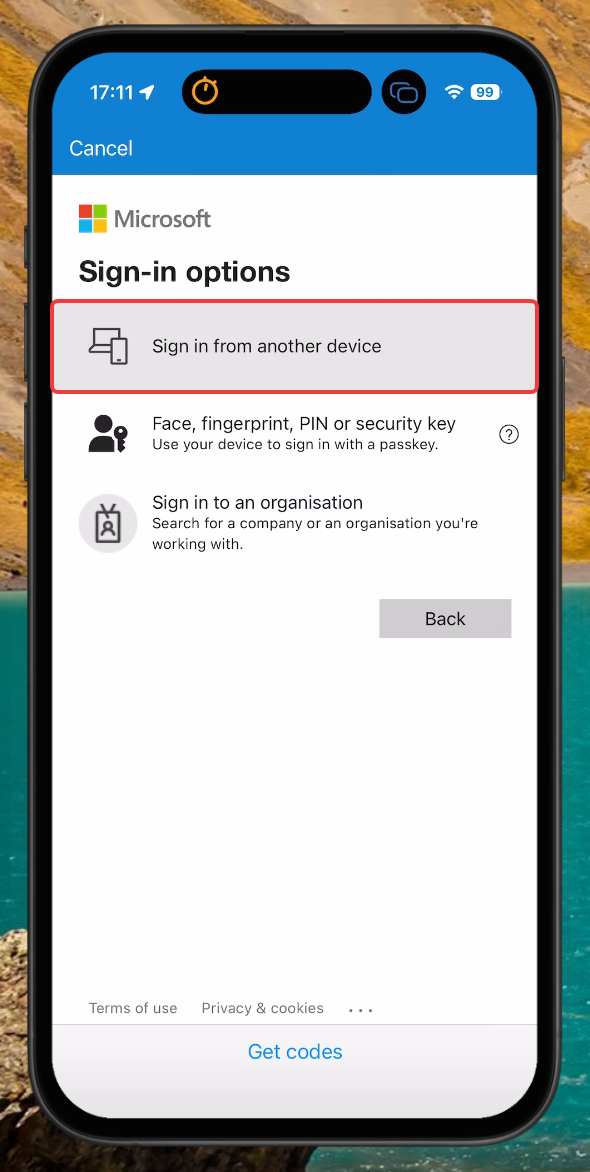
This will then trigger the device code flow, in which you offload the authentication to another device, such as your computer or laptop.
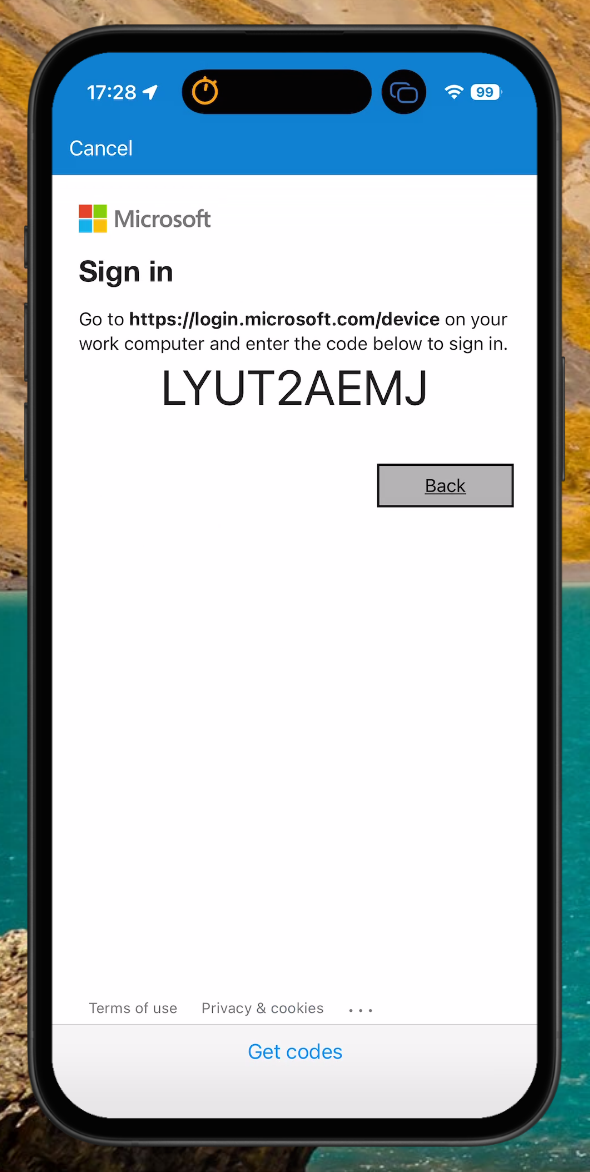
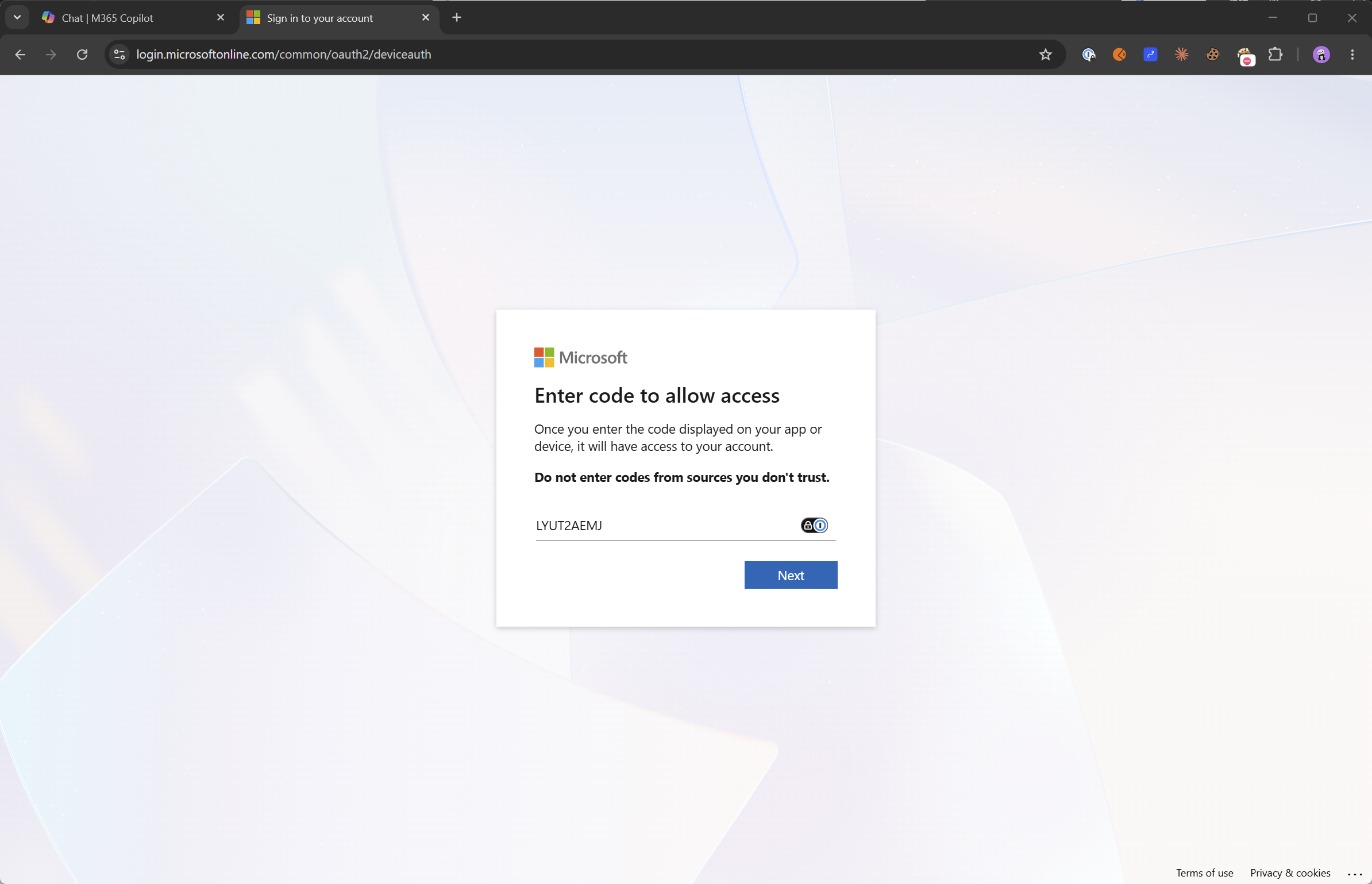
On another device, I browse to aka.ms/devicelogin, which will redirect to https://login.microsoftonline.com/common/oauth2/deviceauth
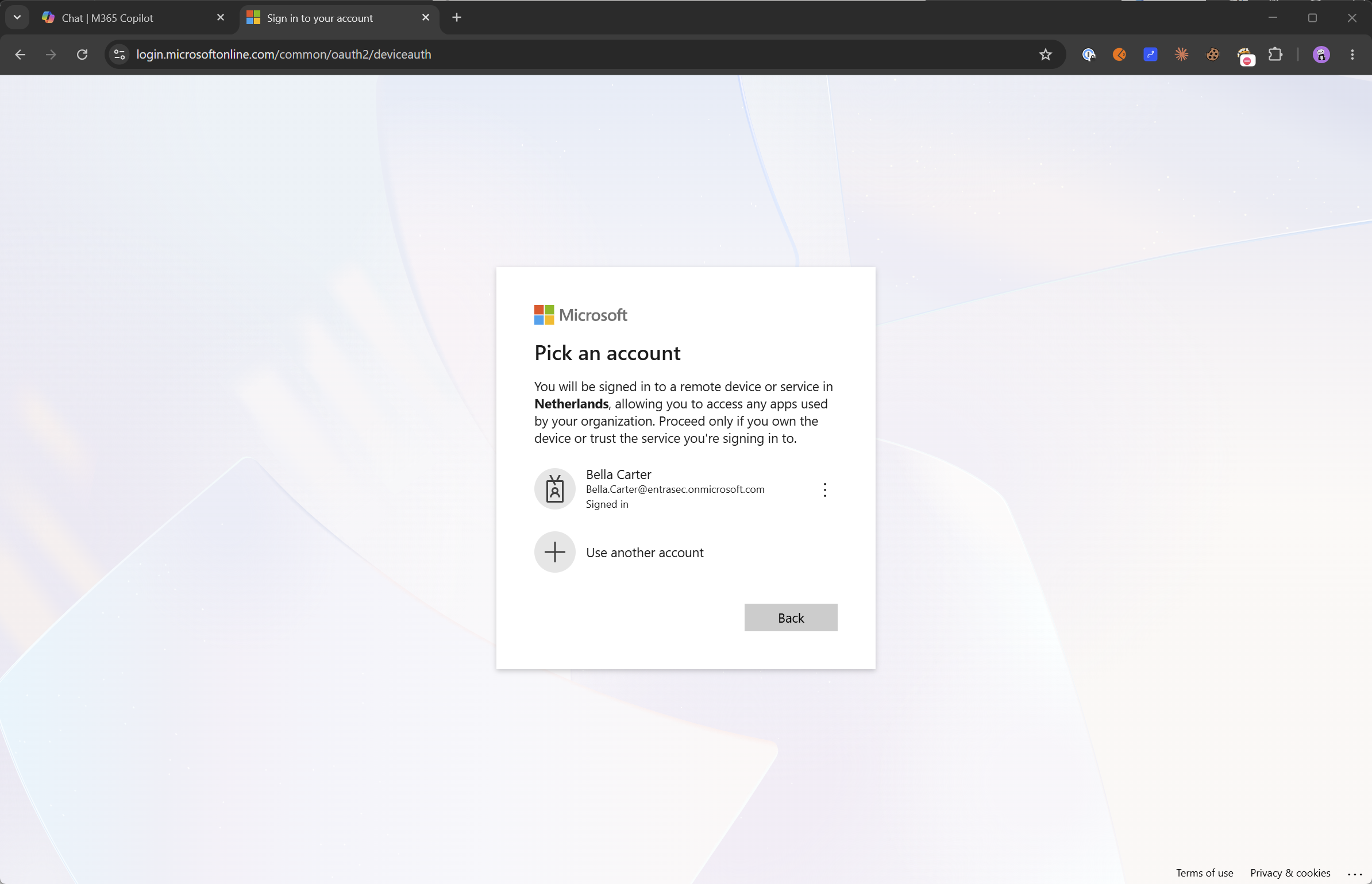
There, I enter the code shown in my Authenticator app, and I am prompted to select my existing session. In some cases, the user might be asked to sign in again or do MFA. In my situation, it just went through, no authentication prompt.
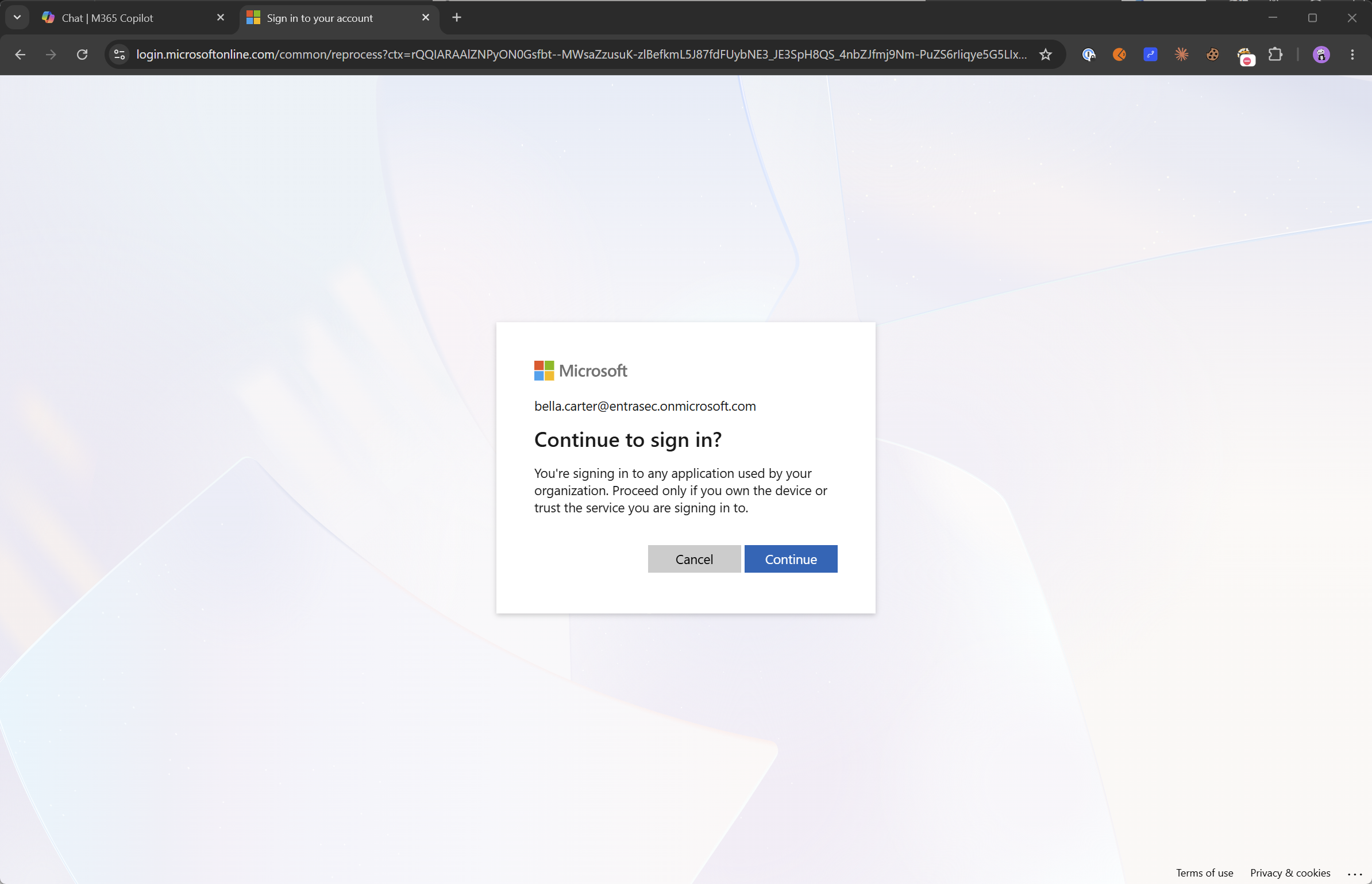
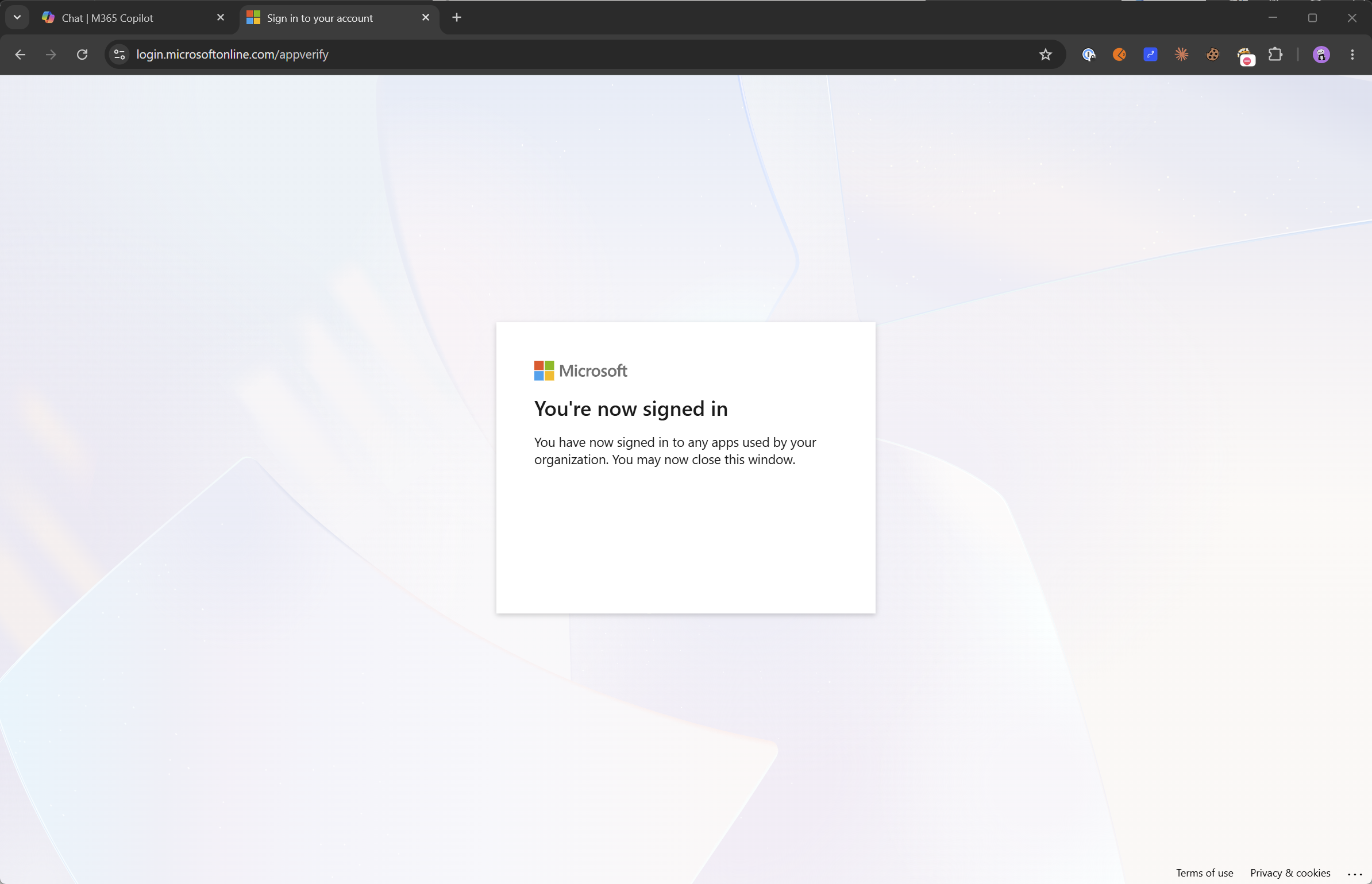
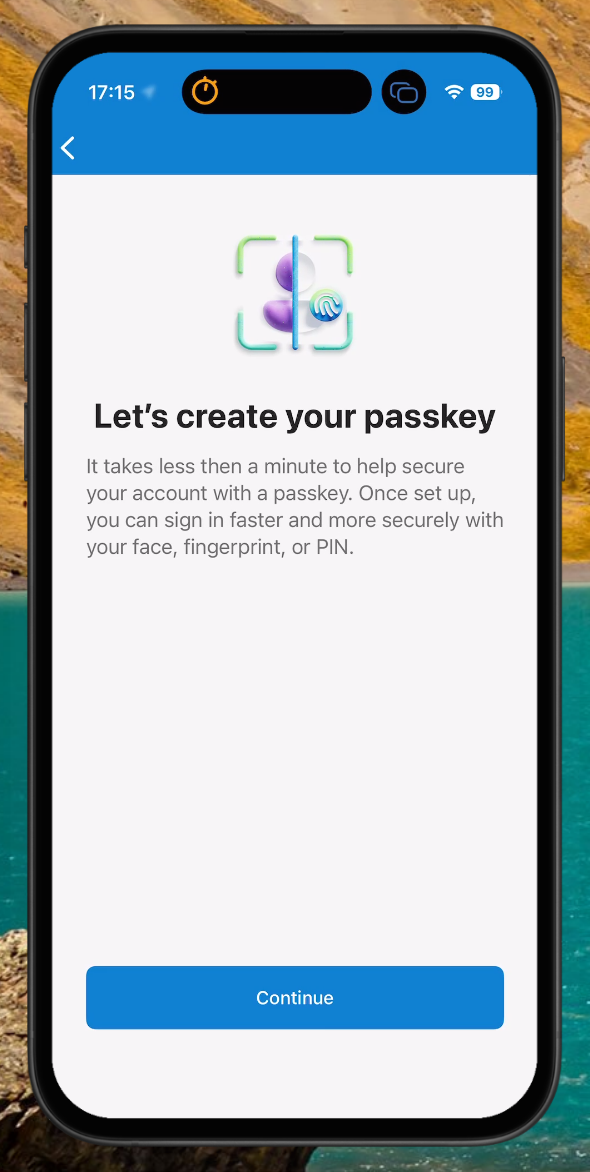
Back on my phone, I’m prompted to create a new passkey.
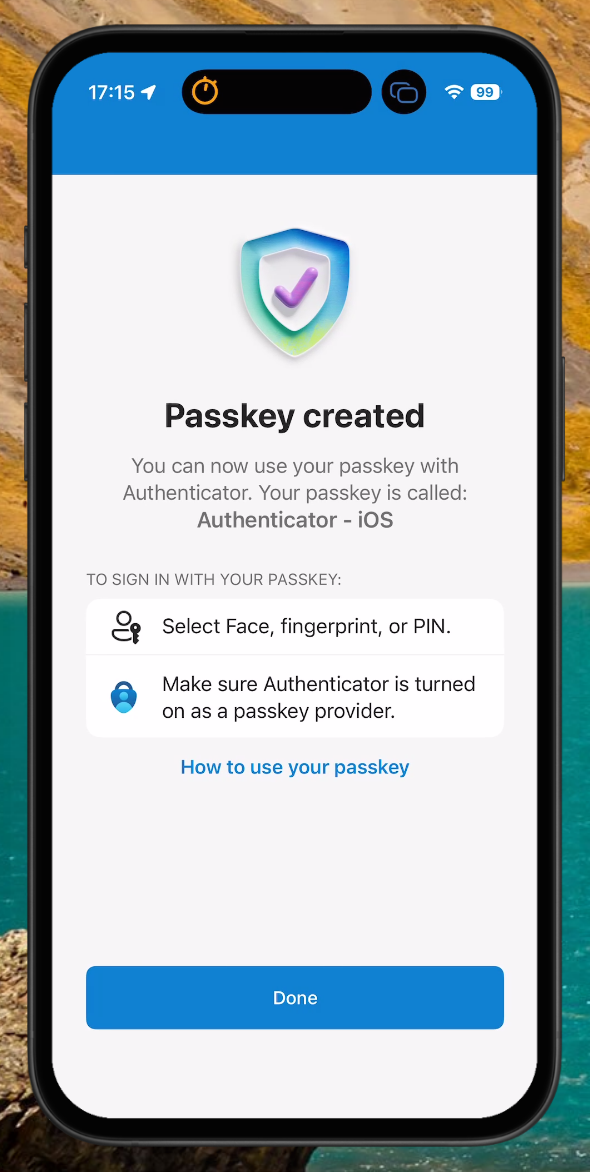
Seconds later, the passkey is successfully created.
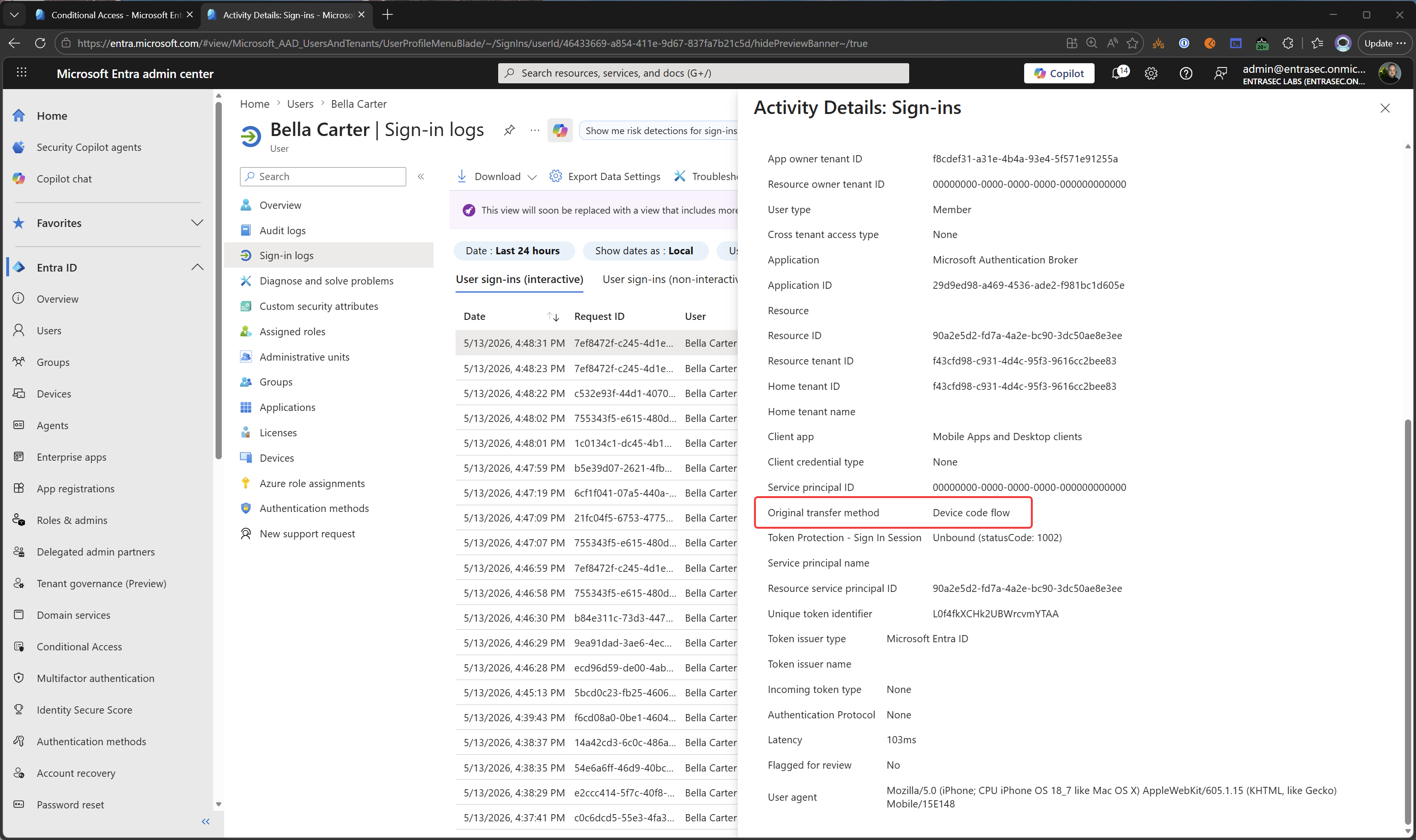
On the Entra side, you can see that the session was created using device code flow.
Here’s a video of the whole experience, setting up a new iPhone.
Device code flow attacks are really common (and successful) these days, as you can read here: Inside an AI‑enabled device code phishing campaign | Microsoft Security Blog
Now, I would strongly suggest blocking Device Code Flow for all users and only using it when needed. This can be done with Conditional Access. Here’s how: Block authentication flows with Conditional Access policy - Microsoft Entra ID | Microsoft Learn
On the other hand, if you know what you are doing, this flow can be really handy for demo purposes, and maybe even for remote VIP support. :) Probably better off just blocking it altogether…….
Stay safe.
Comments
Comments load when you scroll here.