
Entra · Intune · Security · Windows 10
Lock or sign-out when Yubikey is removed from the device
I didn’t know there was already a solution for this, and maybe you are looking for it too. I learned about this from the Blue Security Podcast.
Meet: YubiKey Locker | Yubico
With YubiKey Locker, implement a protocol-agnostic security key removal policy that seamlessly integrates across various operating systems. This is important in meeting existing smart card customer security requirements (e.g. policies for smart card removal behavior), but also enables the forward-looking customer to bridge to modern protocols like FIDO2 passkeys, while staying compliant with their existing security policies. Moreover, the capability developed by Sciber enhances overall security posture for all organizations by locking the workstation or logging off the user when a YubiKey is not present, so it’s a great capability not only for those sunsetting legacy methods or form factors.
Works with almost every YubiKey out there, and just does the job.
Sciber YubiKey Locker is an open-source (MIT-licensed) tool from Sciber that enables automatic device locking when a YubiKey is removed. It runs on Windows, Mac, and Linux (Ubuntu), and for each platform it can be configured to do nothing, lock the computer, or log the user out when the key is no longer detected.
The tool can be easily installed with Intune and can be configured using ADMX files.
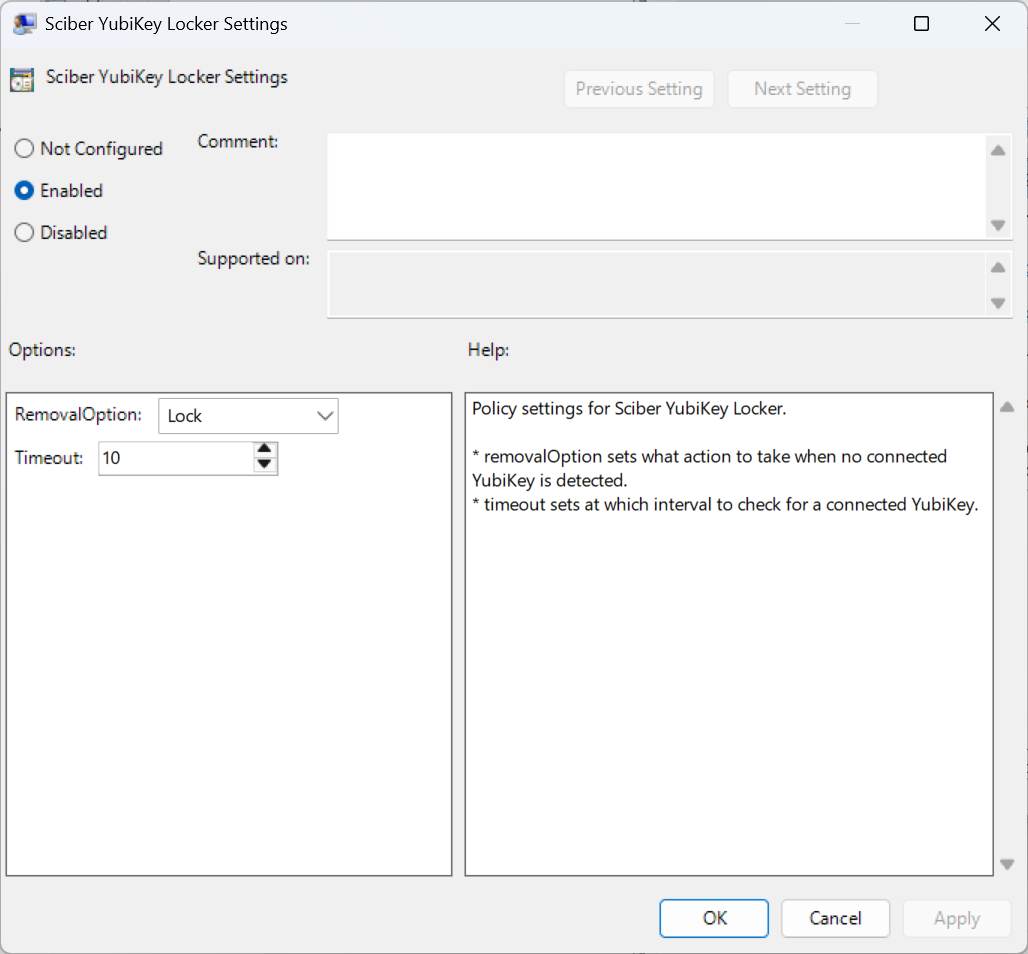
Every x seconds, the system checks for removal of the YubiKey and takes action.
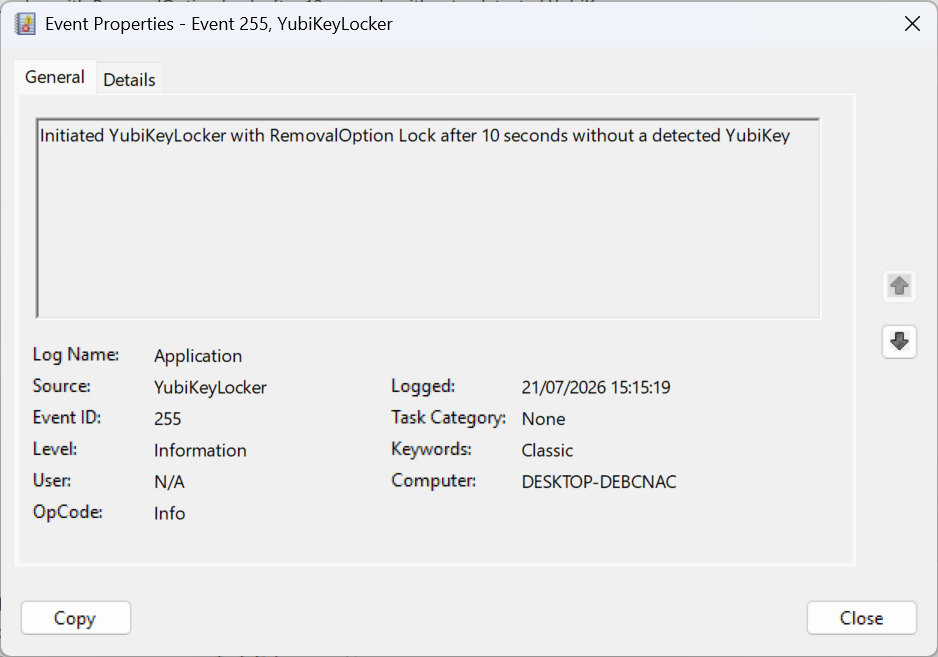
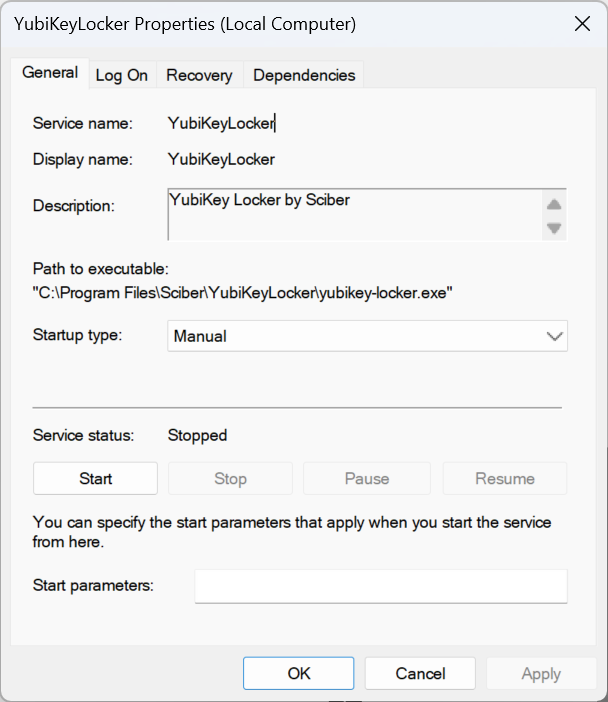
It runs as a service in Windows:
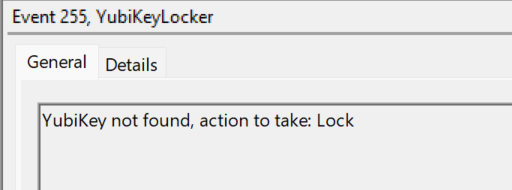
User experience#
Start here:
YubiKey Locker | Yubico
sciber-io/yubikey-locker: Sciber Yubikey Locker
Comments
Comments load when you scroll here.