
How to create a Microsoft 365 device-bound passkey on macOS
I did a discovery today, and I want to share it, because I did not know this was an option. Up until now, I always thought that device-bound passkeys where limited to Windows Hello for Business, FIDO2 security keys, and the Microsoft Authenticator App.
But today I learned you can also store a passkey on macOS, which is registered as a device-bound passkey. It works for both Edge and Chrome, and is backed with a specific AAGUID.
771b48fd-d3d4-4f74-9232-fc157ab0507a for Edge on Mac
adce0002-35bc-c60a-648b-0b25f1f05503 for Chrome on Mac
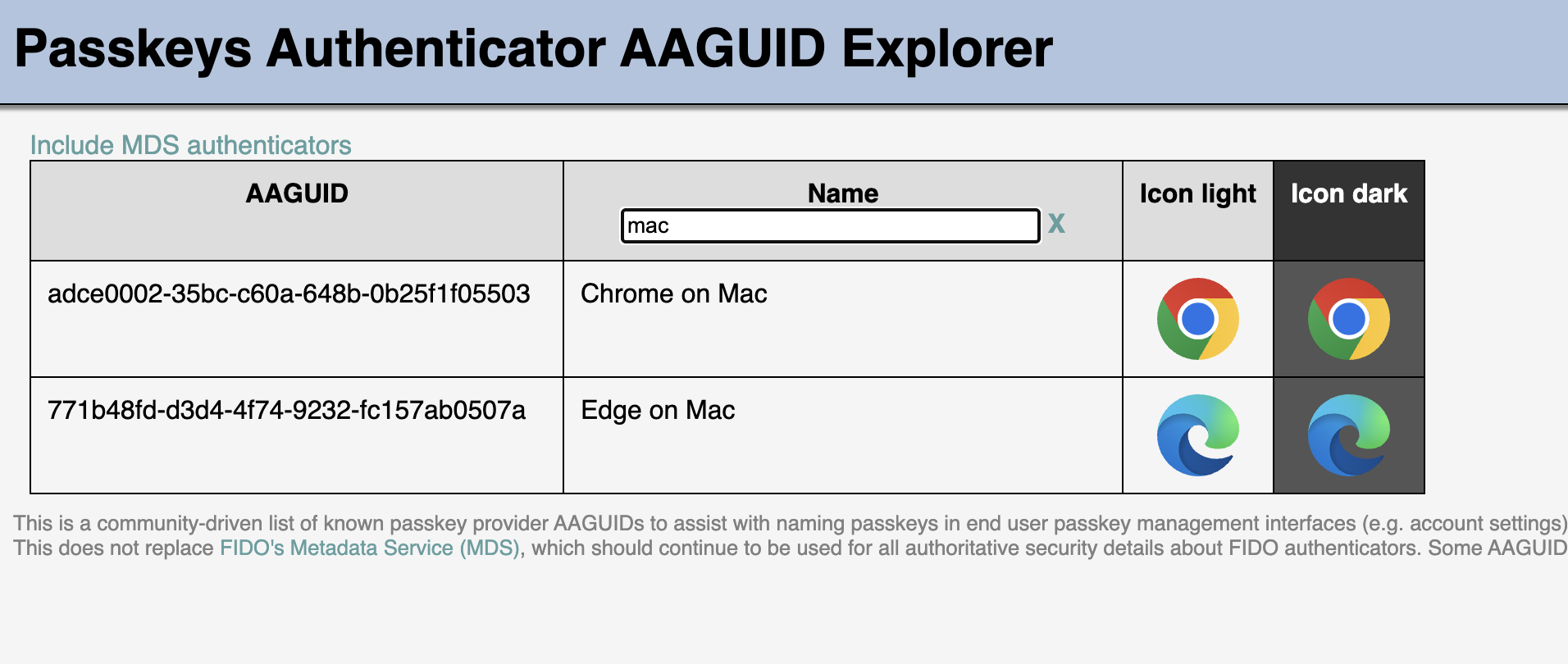
It’s different from Platform Credential for macOS, which requires another AAGUID (7FD635B3-2EF9-4542-8D9D-164F2C771EFC)
To enroll a device-bound passkeys is pretty straightforward, but your users might need some guidance, as you need to skip out of the regular flow. The regular flow (which works great) prompts to store the passkey in the iCloud keychain, which results in a synced passkey instead.
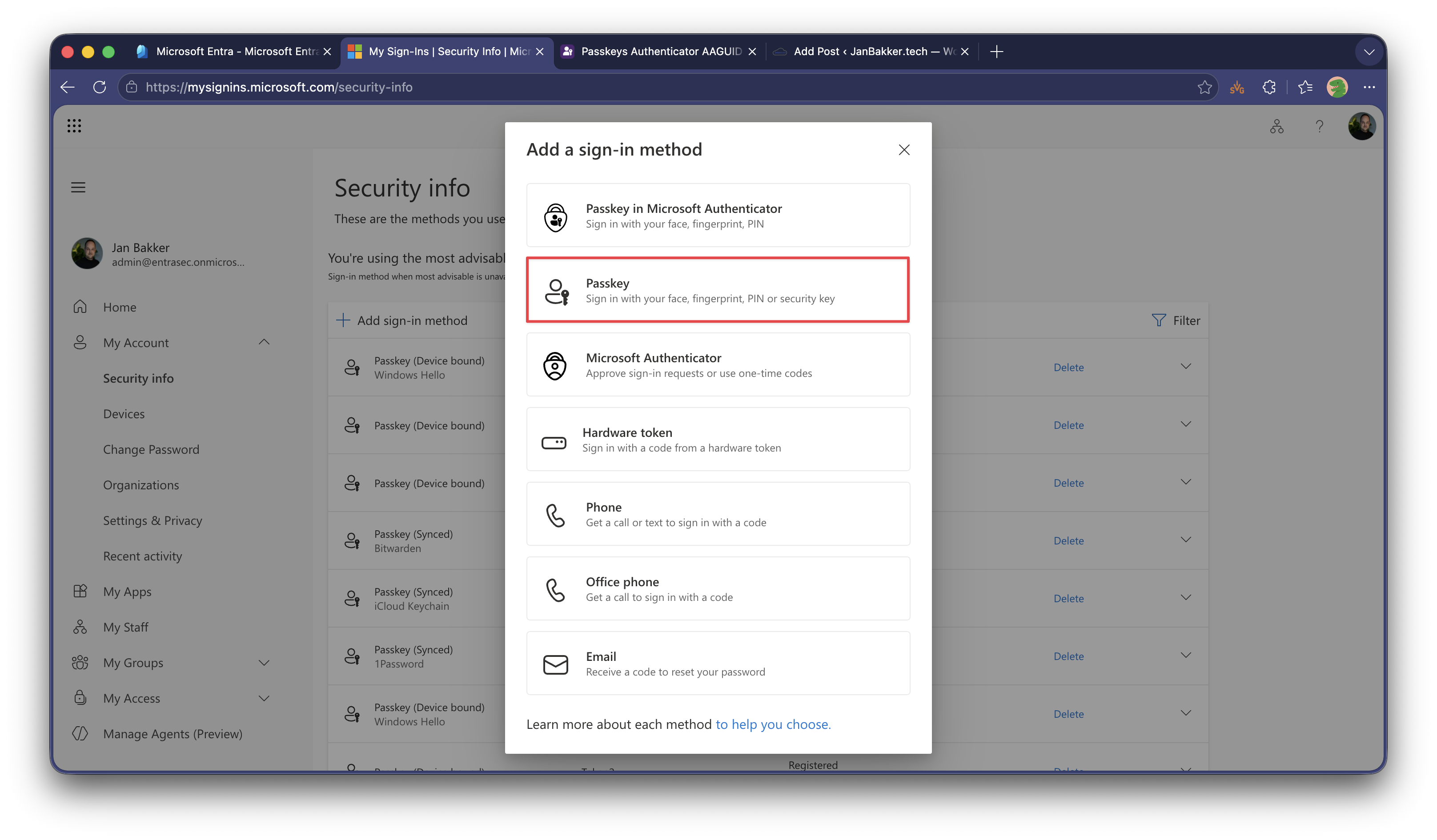
Start as usual by adding a new sign-in method:
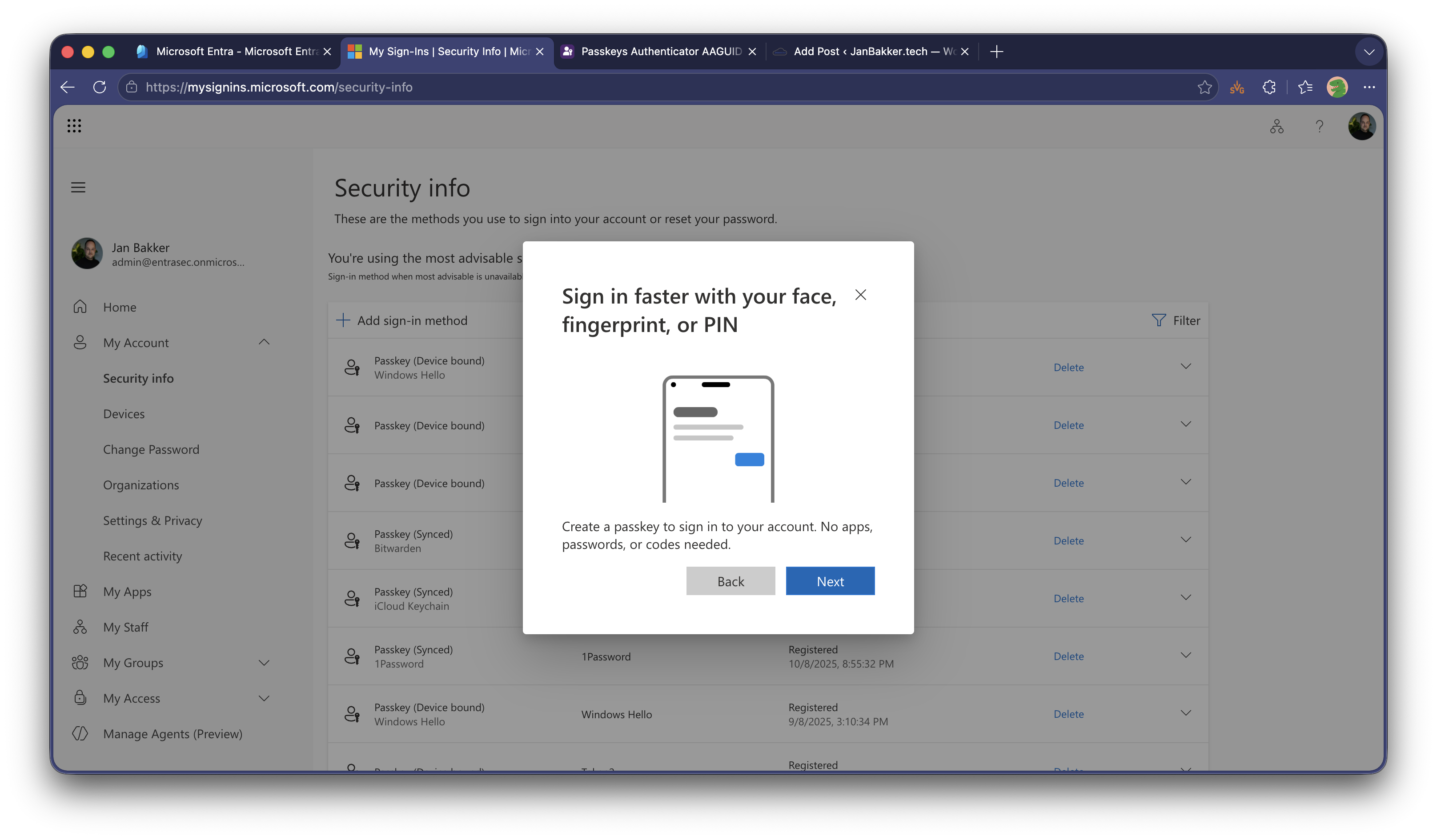
Select Next
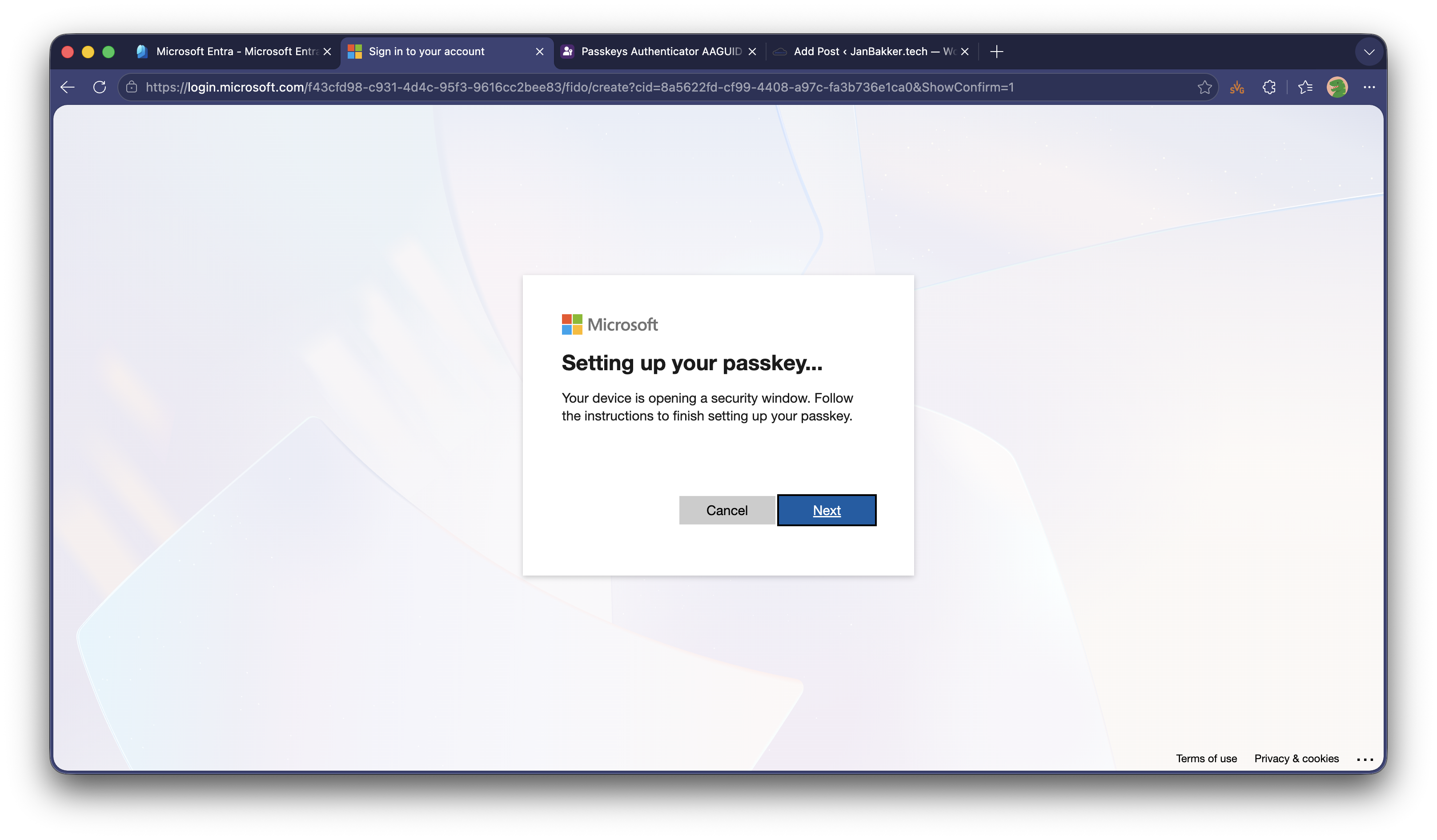
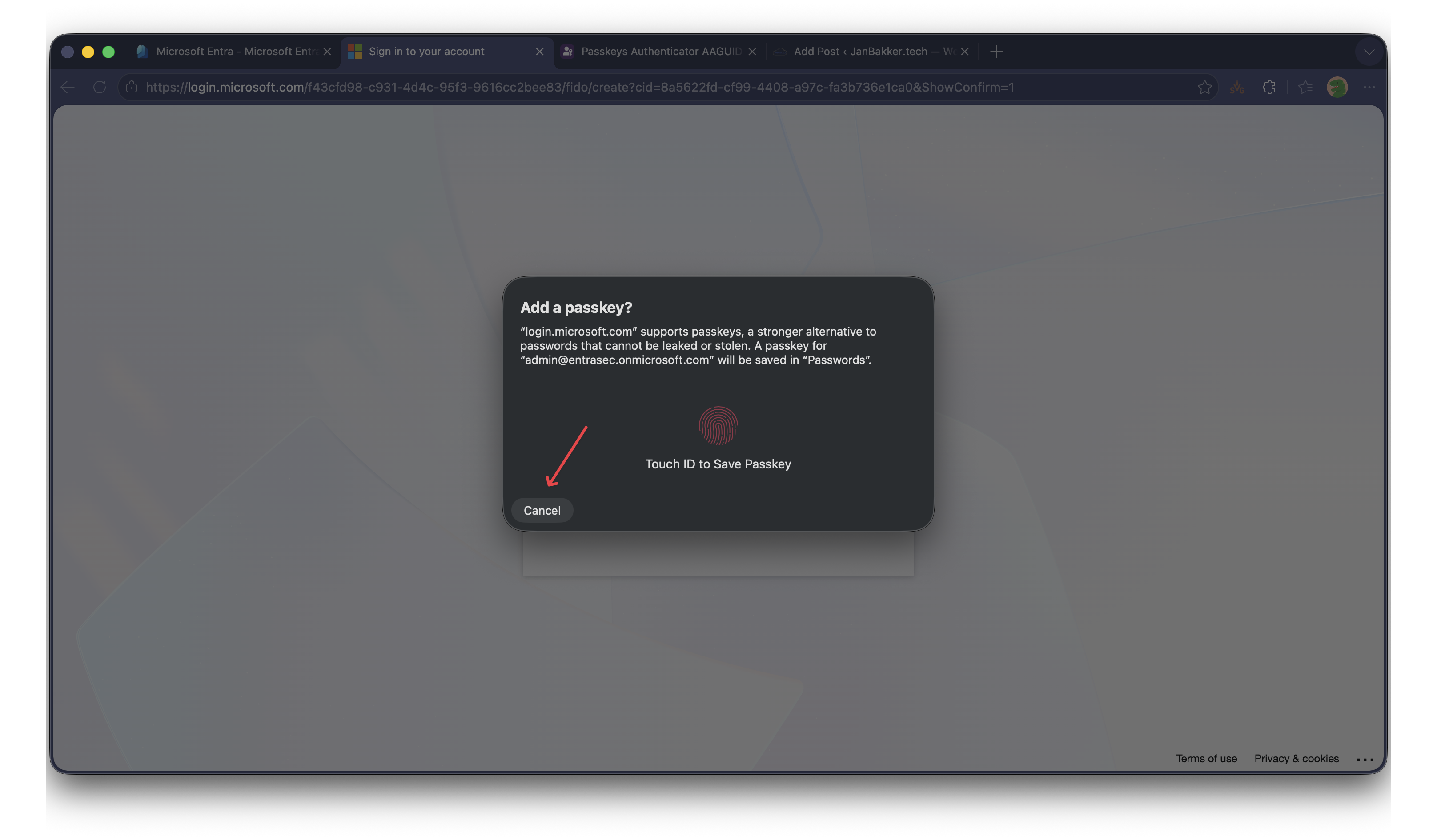
Now you will be prompted to provide your Touch ID or password to enroll for a synced passkey, but you need to cancel out of that.
Click Cancel.
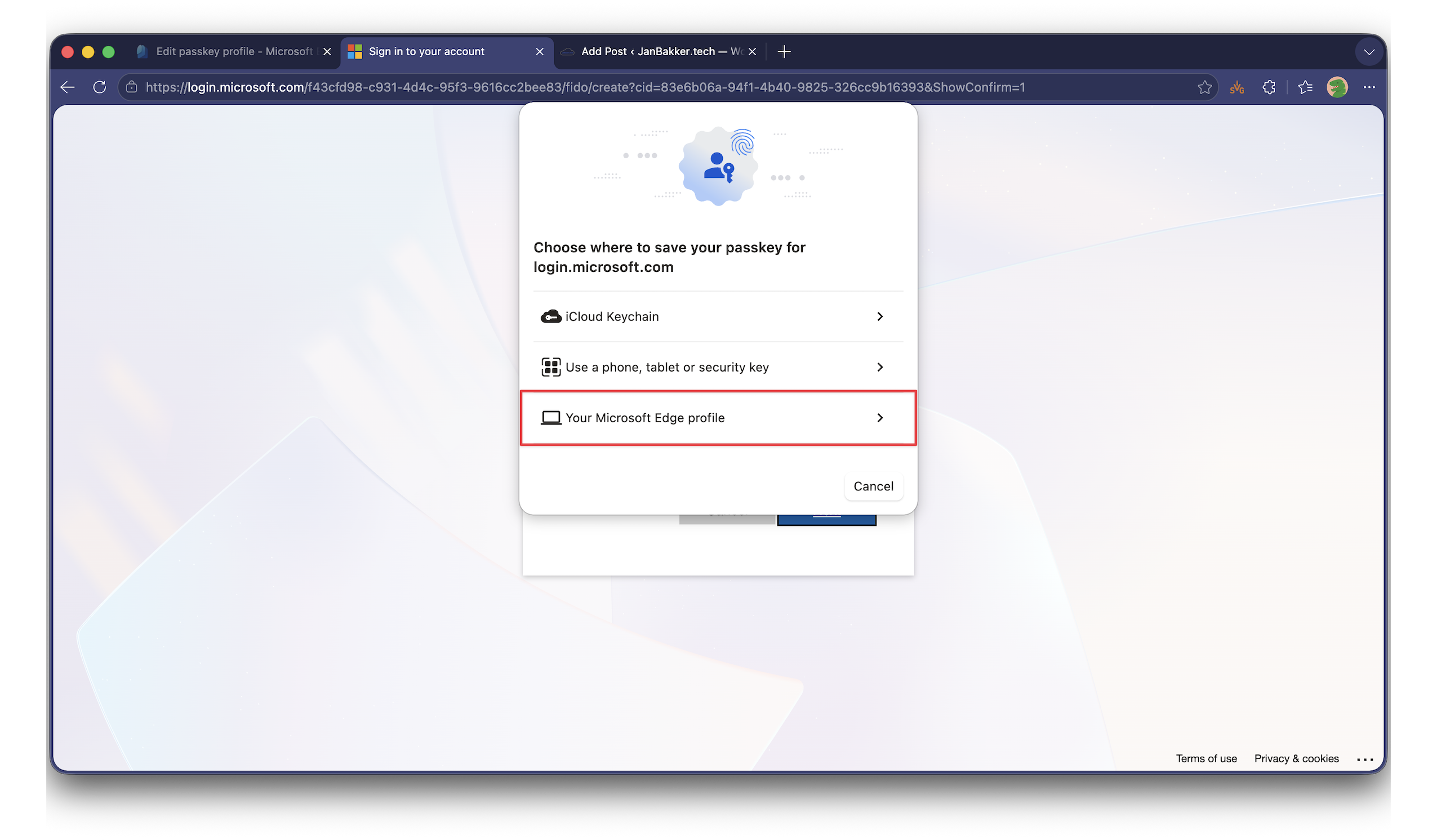
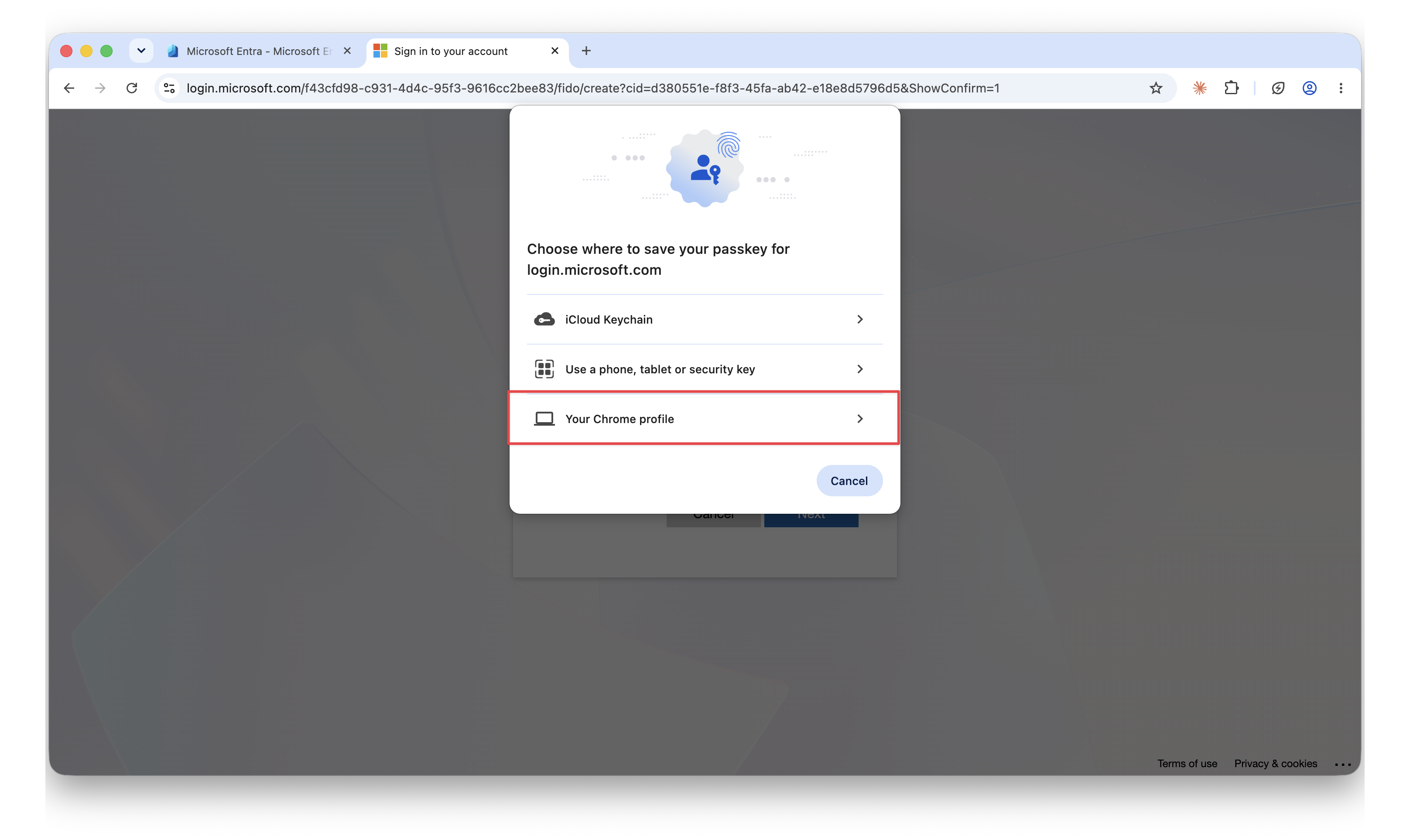
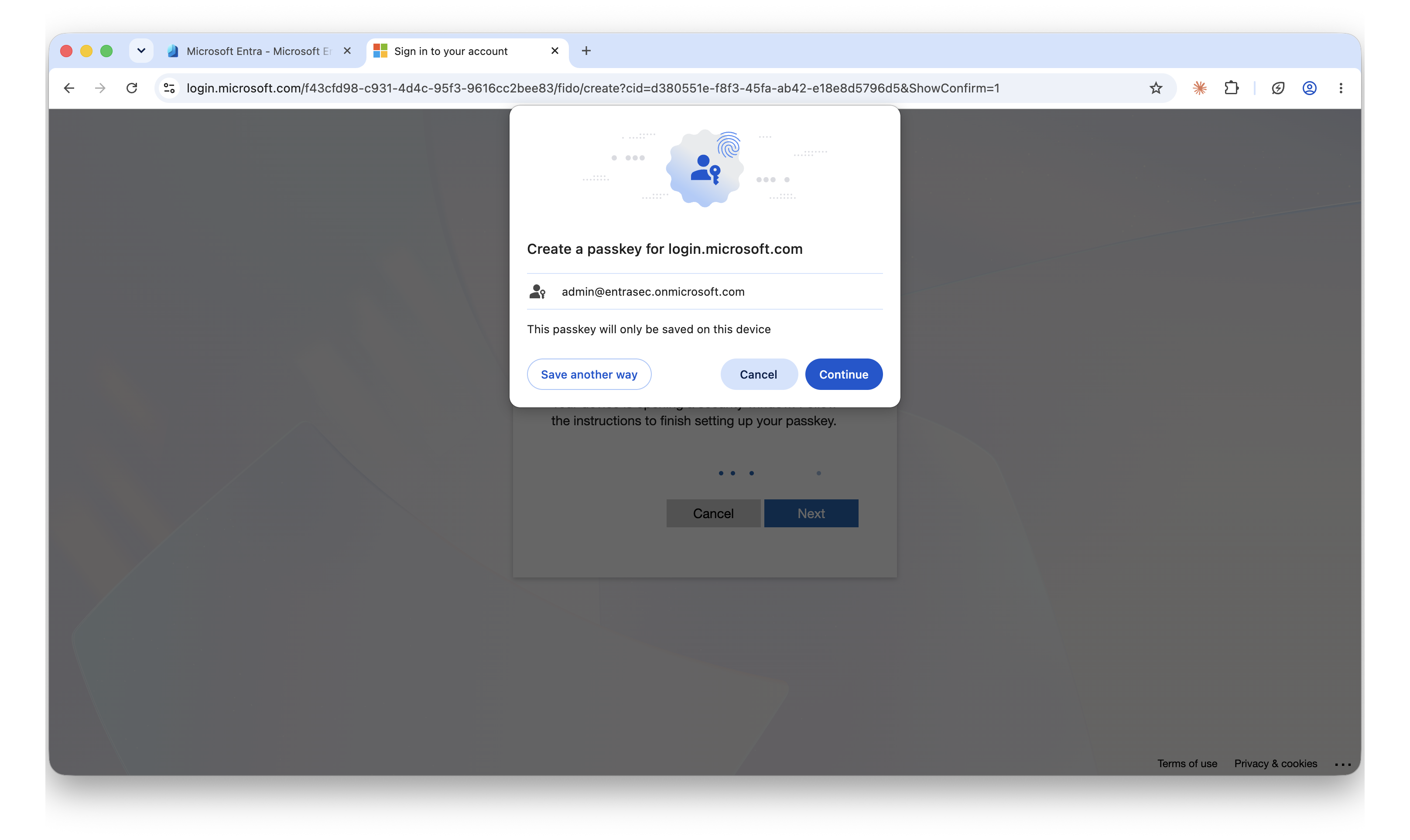
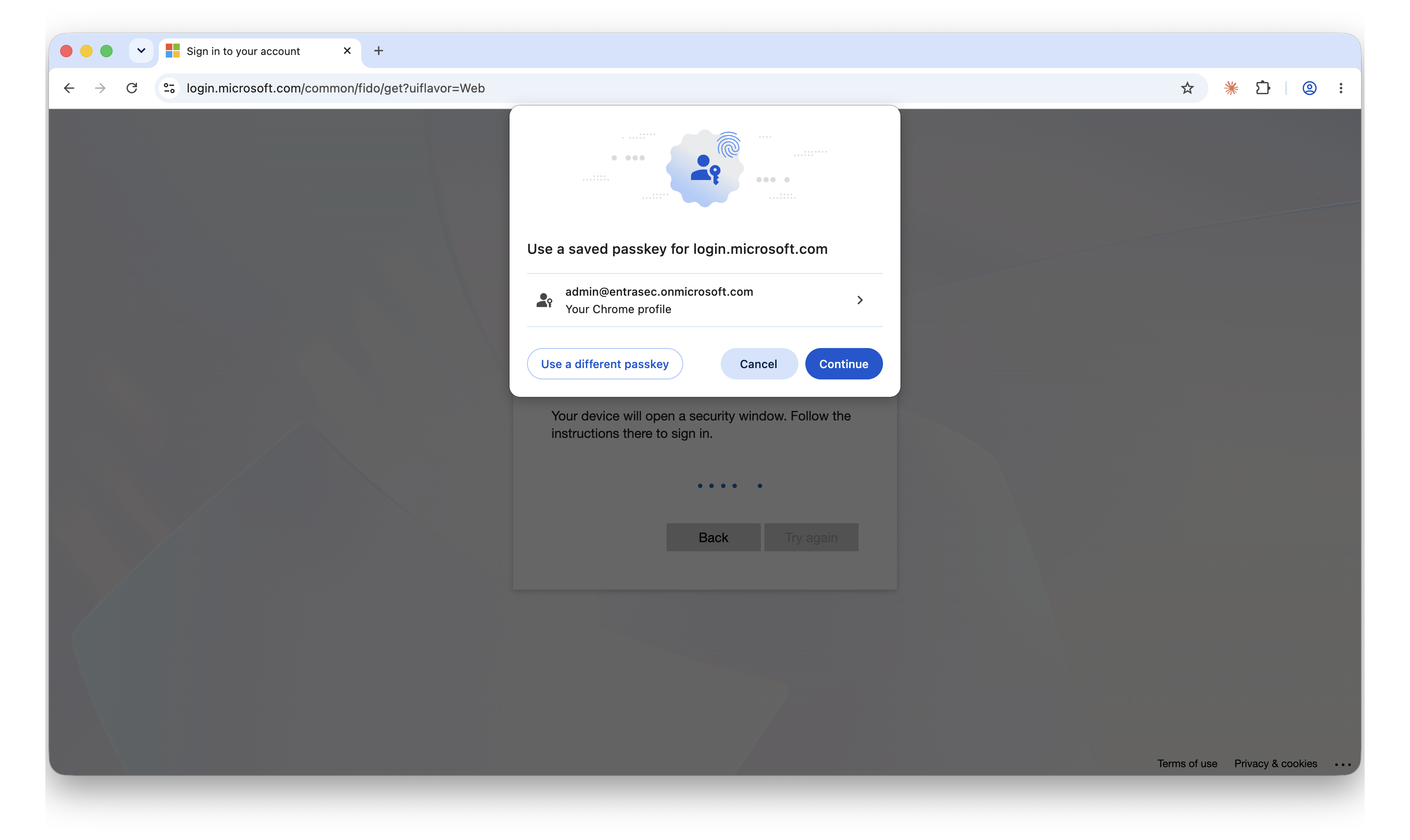
Depending on which browser you are using, select either Your Microsoft Edge profile or Your Chrome profile.
Confirm by clicking Continue.
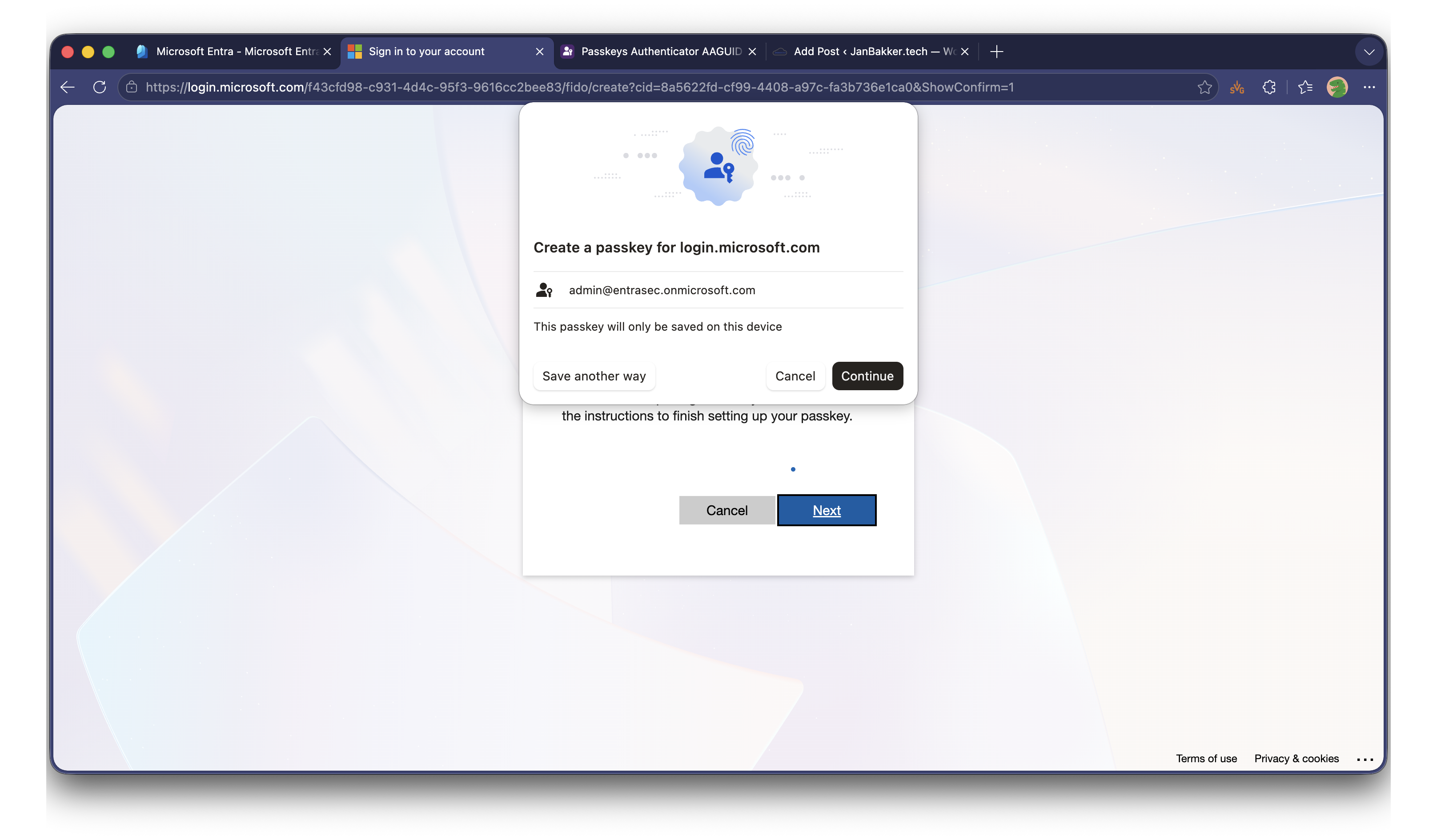
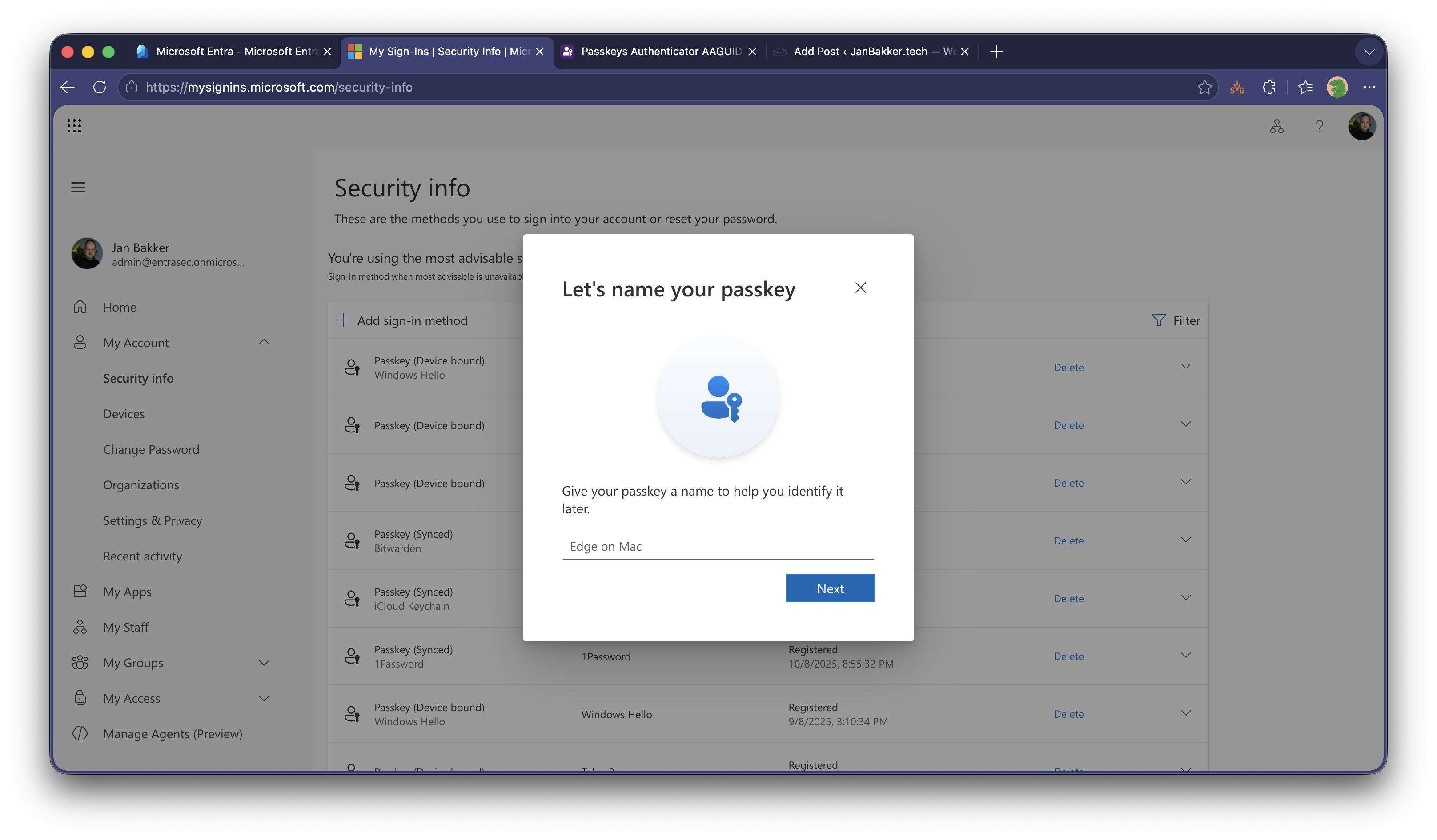
Give your passkey a name. By default Edge on Mac and Chrome on Mac are used.
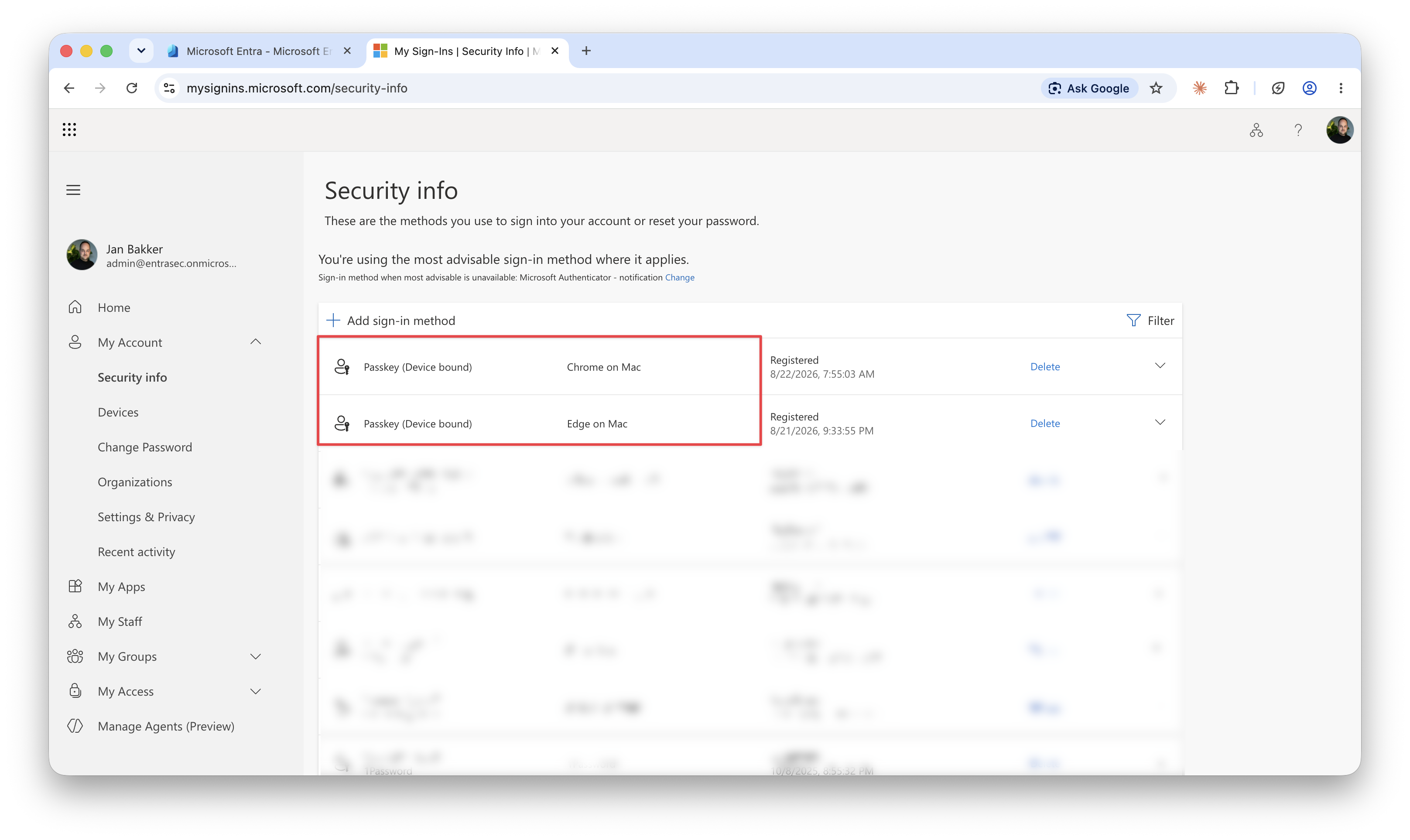
As you can see, both passkeys are shown as device-bound.
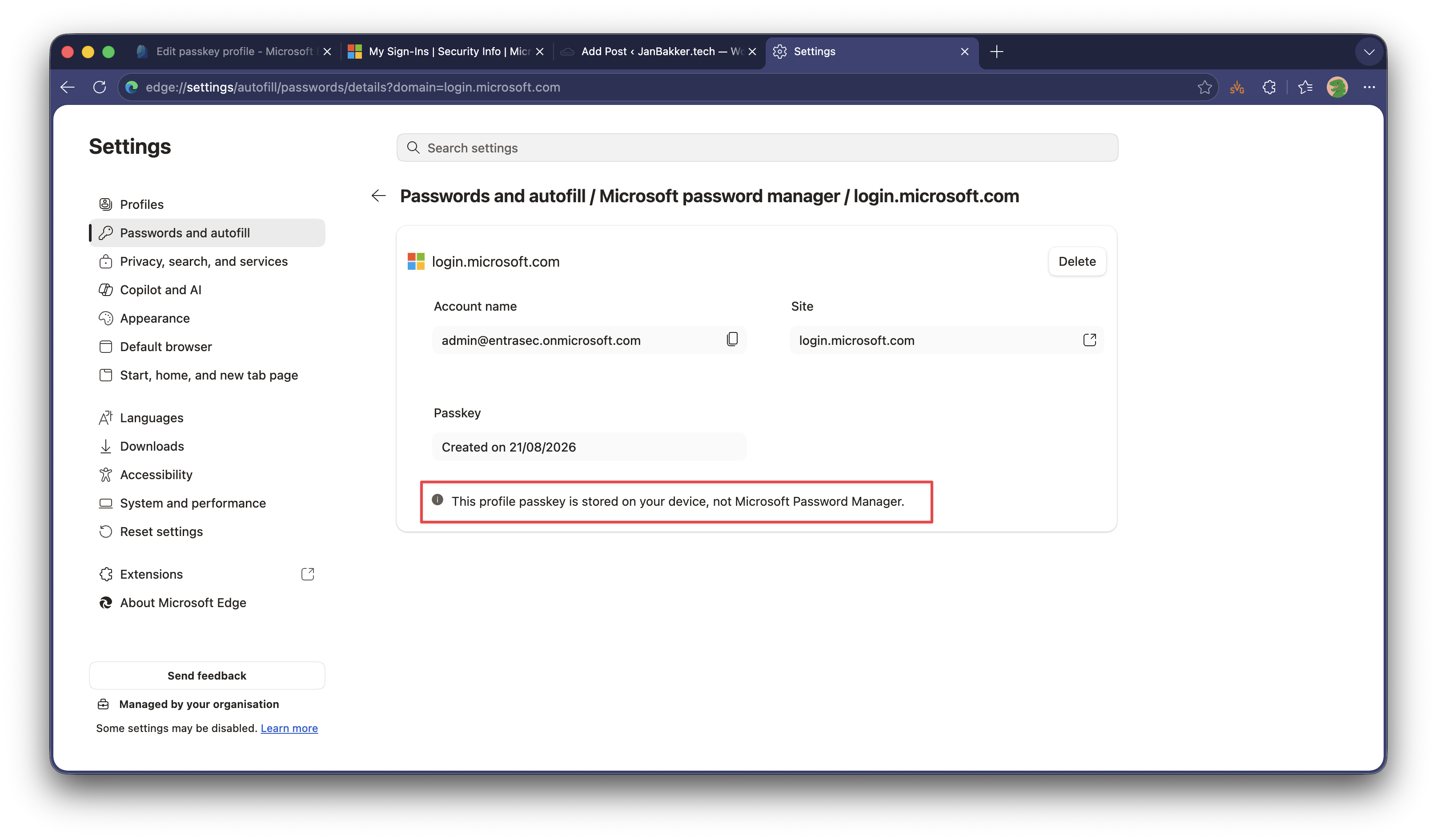
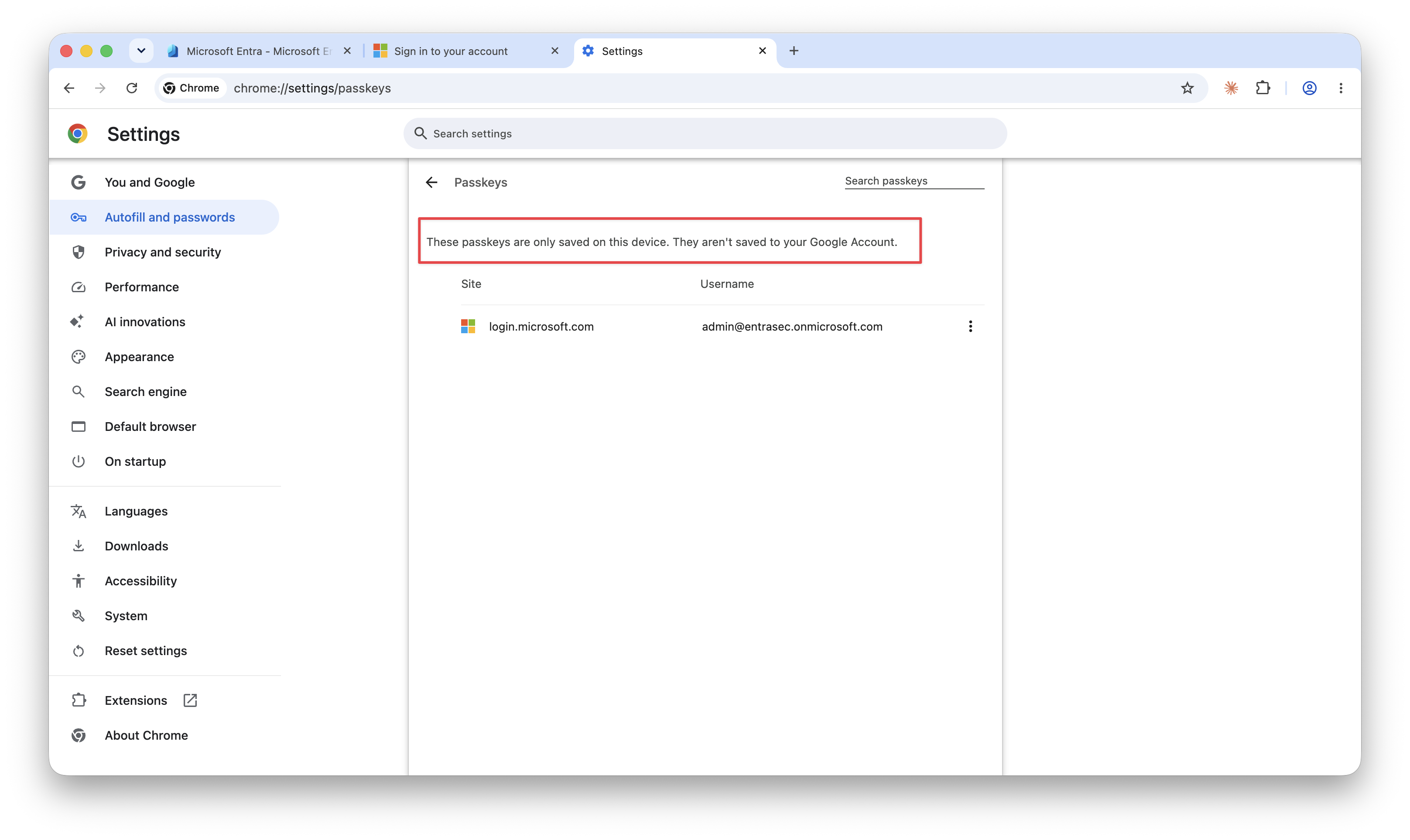
From the device, the passkeys can be found in the profile you’ve created them in.
For Edge: edge://settings/autofill/passwords (how ironic)
For Chrome: chrome://settings/passkeys
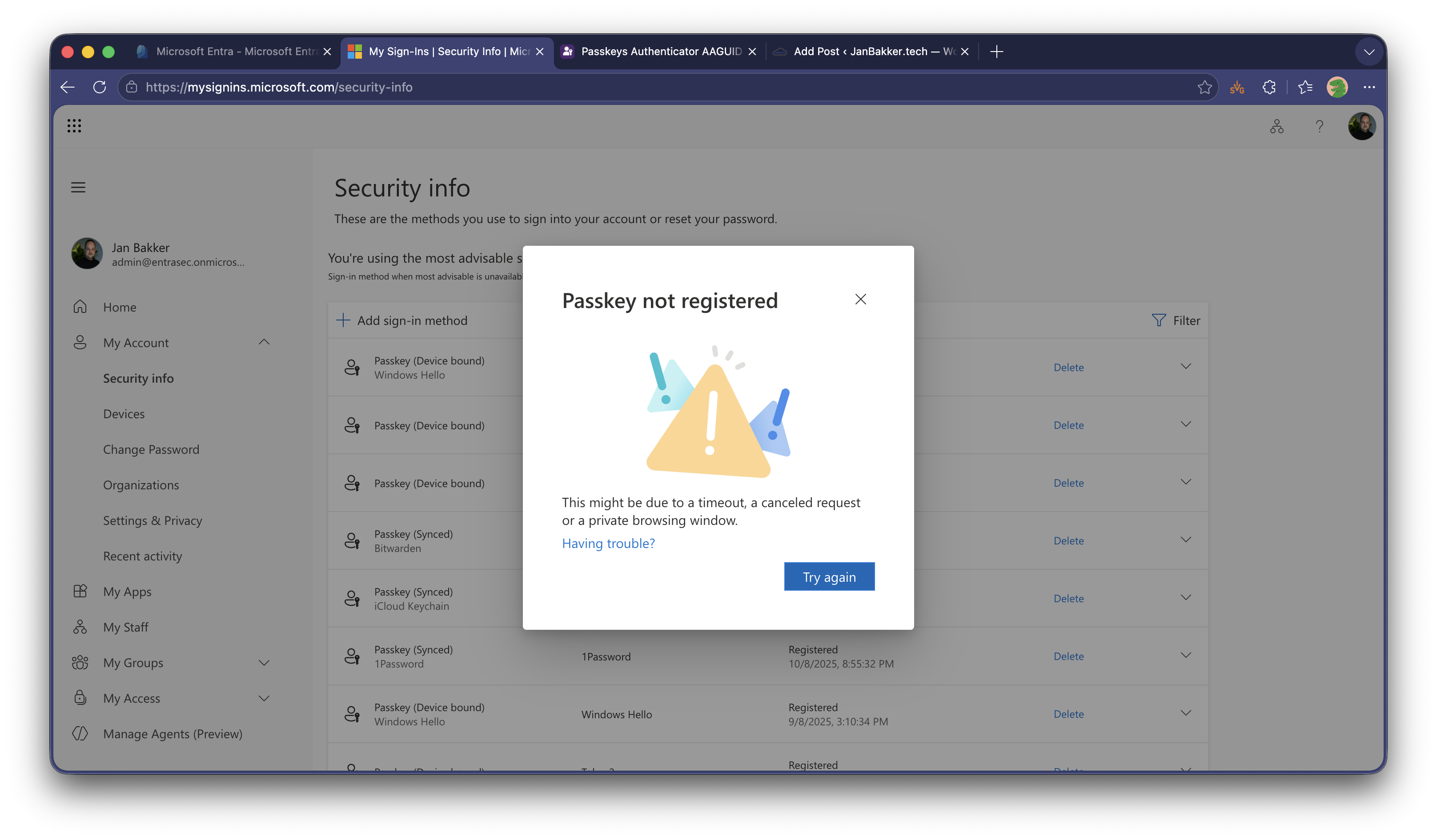
Similar to storing passkeys in the TPM chip ( Windows Hello), these types of device-bound passkeys do not support attestation. If you have enforced attestation in Entra ID, the enrolment will fail, showing this error:
Passkey not registered. This might be due to a timeout, a canceled request, or a private browsing window.
Here’s a quick video from the entire enrolment experience.
If you want to use your new, device-bound passkey, the browser will prompt you automatically.
Let’s wrap up#
Synced passkeys are the way to go for most people. It’s easy, fast, and secure. Regardless of type, device-bound or synced, passkeys represent a significant security upgrade over phishable MFA methods.\
Some persona’s, like admins might require device-bound passkeys. In highly regulated environments, the accounts are probably using FIDO2 security keys, or Microsoft Authenticator app from managed mobile devices, but if you don’t have control over all the devices, storing device-bound passkeys in Windows Hello or Edge/Chrome on Mac might be a good alternative.
Stay safe!
Comments
Comments load when you scroll here.