
A public bug report for Entra ID application policies
I’ve spent the last couple of nights trying out this new feature in Entra ID: application policies. I’ve already written two ( 1, 2) blog posts about it, but just when I thought I was done, here’s another finding that really blows my mind. Hear me out.
What’s the issue?#
According to the docs:
“Sometimes, exceptions need to be granted to the user or service creating or modifying the application. For example, imagine an automated process in your organization periodically creates applications and sets passwords on them. You want to block the new passwords in your organization, but you don’t want to break this automated process while you’re working on updating it.
Application exceptions wouldn’t work in this case, because the apps being created/updated don’t exist yet! Instead, you can apply an exception to the process itself.”
Well, I’ve tried that out, and it did not work. I first added my admin account as an exclusion and tried using Graph Explorer. Did not work. Then I built a Logic App, granted this exclusion to the managed identity, but this also failed.
Now, there is one thing you need to know about these exclusions. They lean on security attributes. When adding your first excluded actor, Microsoft will create a new custom security attribute set for you, as pointed out in my previous post.
A closer look at Entra Application policies to govern secrets and certificates - JanBakker.tech
By excluding the user or app, it will be assigned one of the attributes. Works pretty smoothly, and saves a lot of time.
Now, here is the issue. The docs say that the security attribute definition should be created as of type string.

Guess what is created? The data type is of type boolean instead!
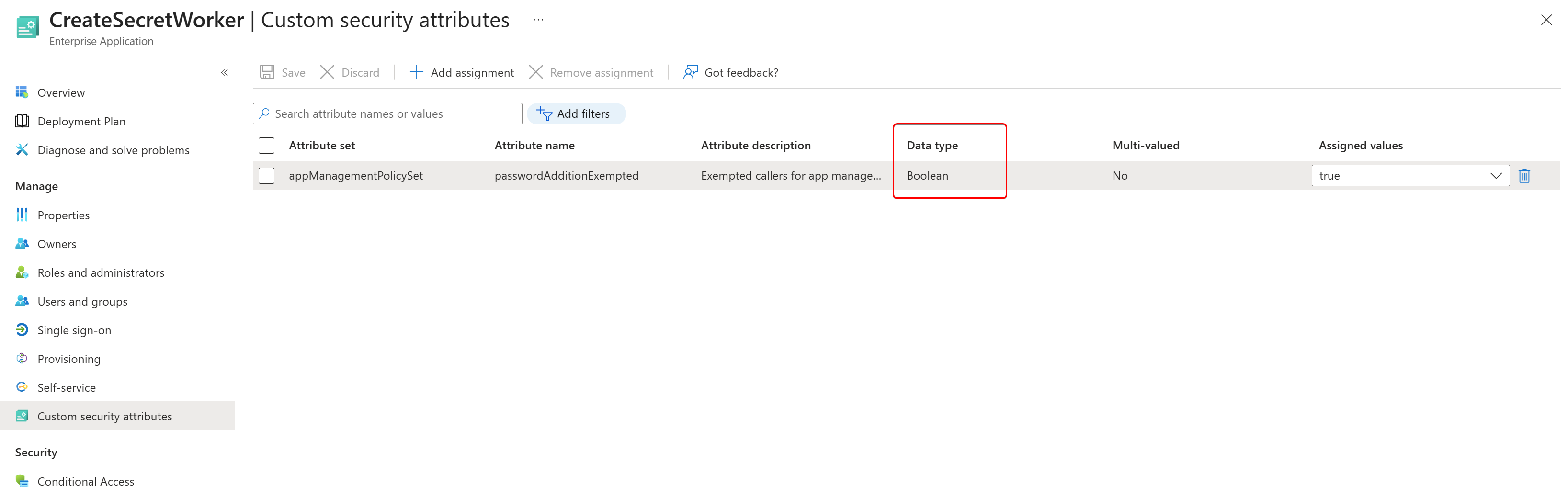
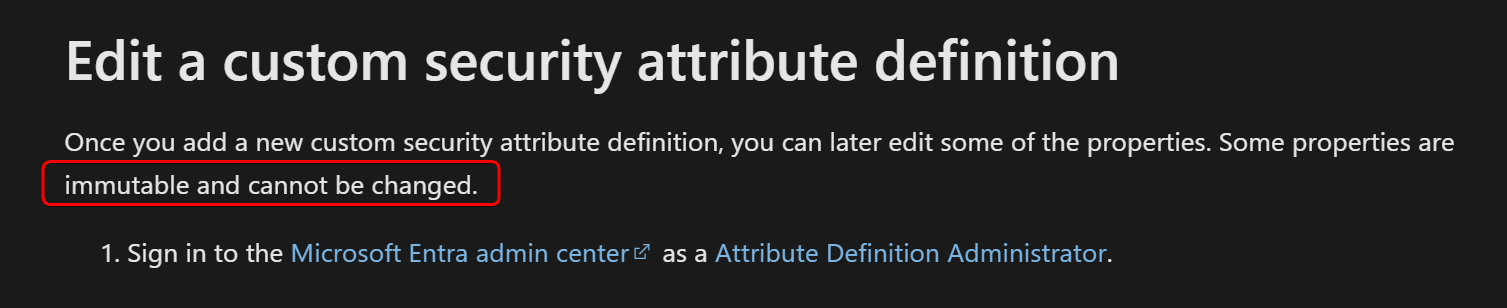
Now, I have tried to change it myself, but these attributes, being security attributes, have some properties that are immutable, so I could not change them.
I could instead deactivate the old one and create a new one.

Then I updated my default tenant policy.
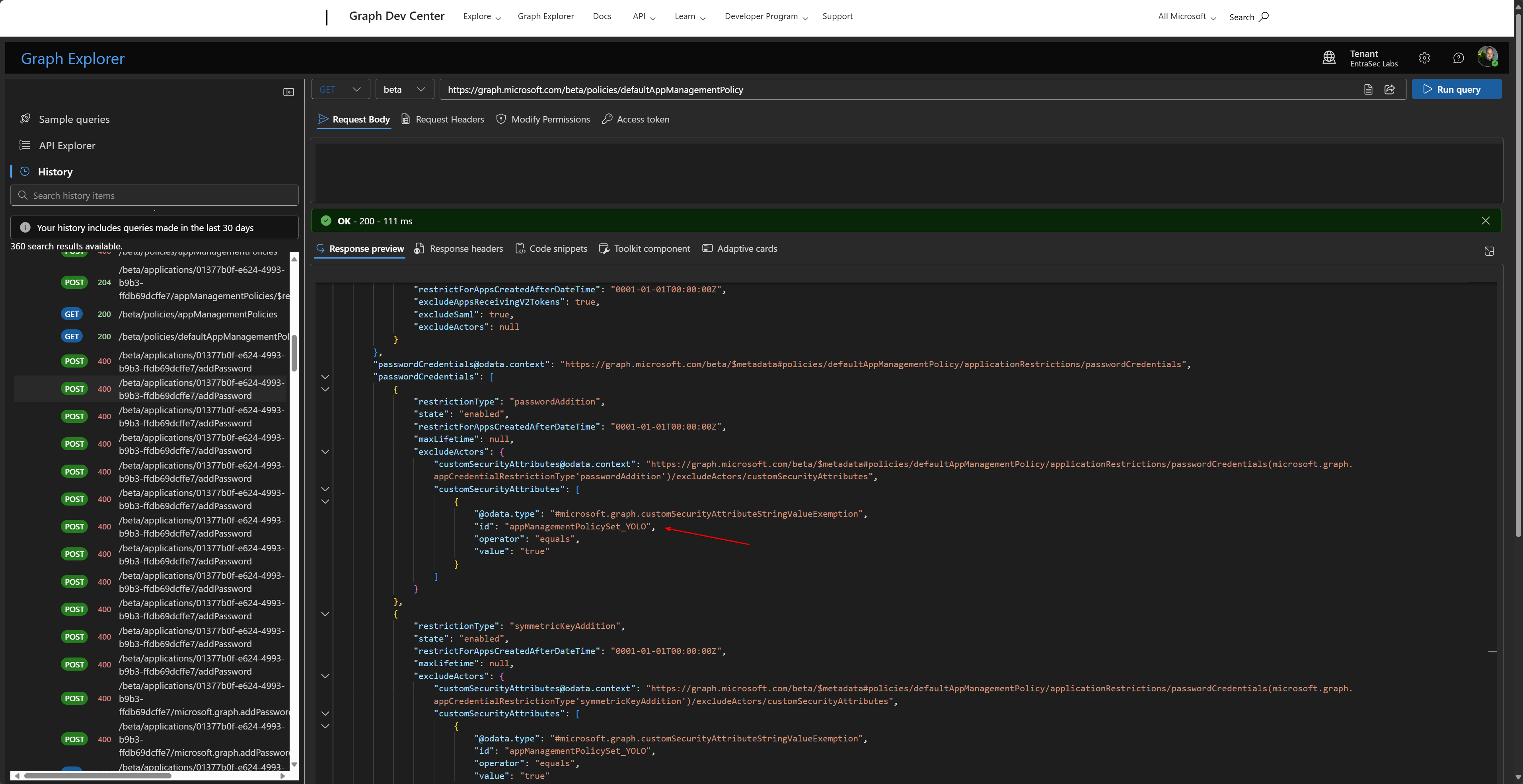
Assigned my new attribute to my managed identity…..
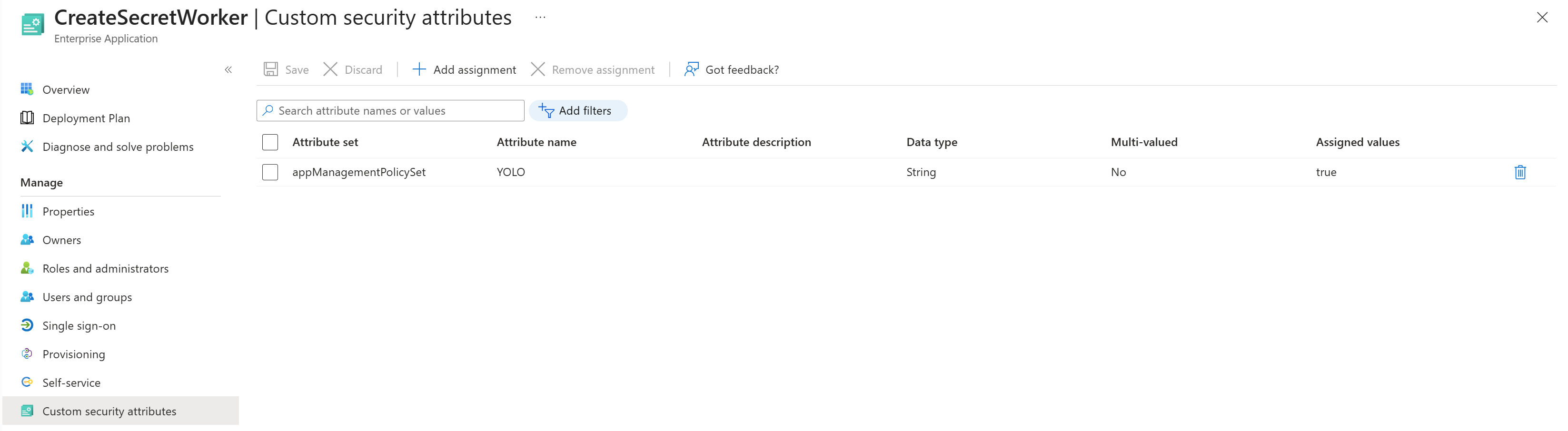
And it started working right away! Victory at last.
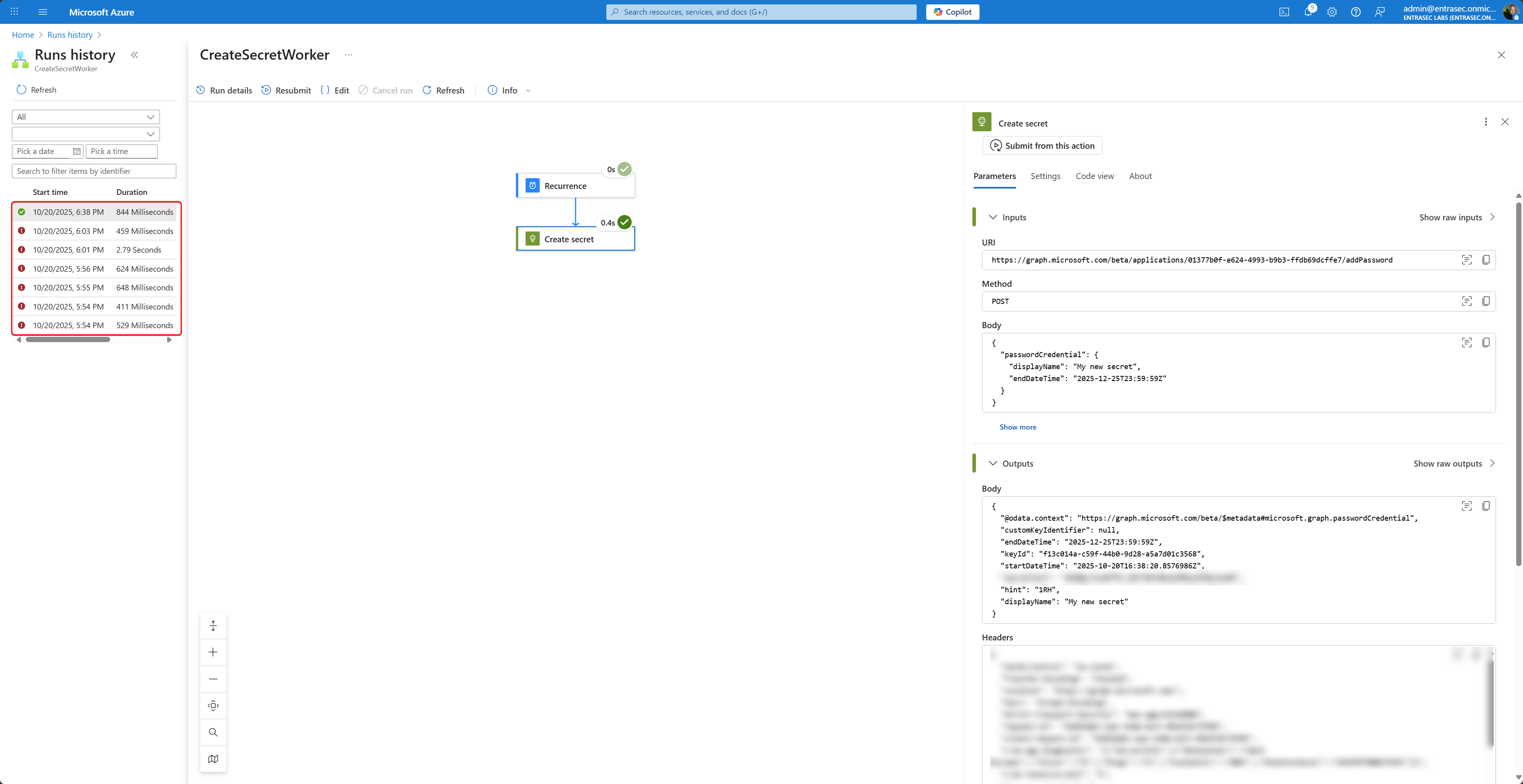
Now, to make the chaos complete, let’s update my policy through the UI (adding another excluded caller). As I learned this should check if the security attribute set exist and try to assign the attribute. It did exaclty that, but then it choked… This makes sense, as the attributes are inactive.
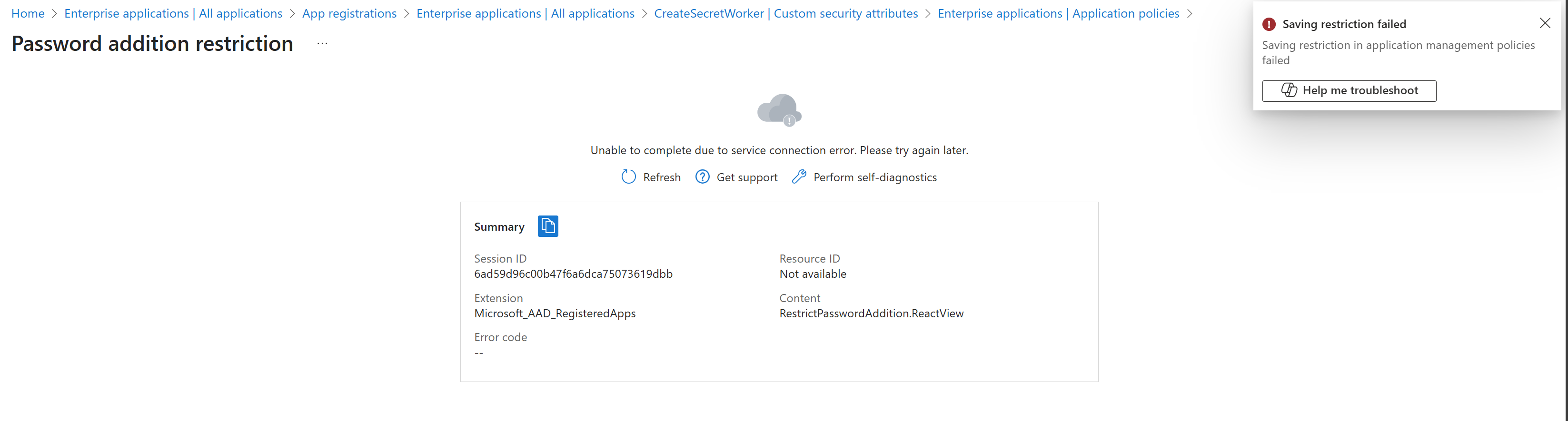
Let’s wrap up#
I think this feature needs some more dev work, and probably another round of testing. This is not Enterprise ready.
Stay safe!
Comments
Comments load when you scroll here.